
Ray™ Go M60
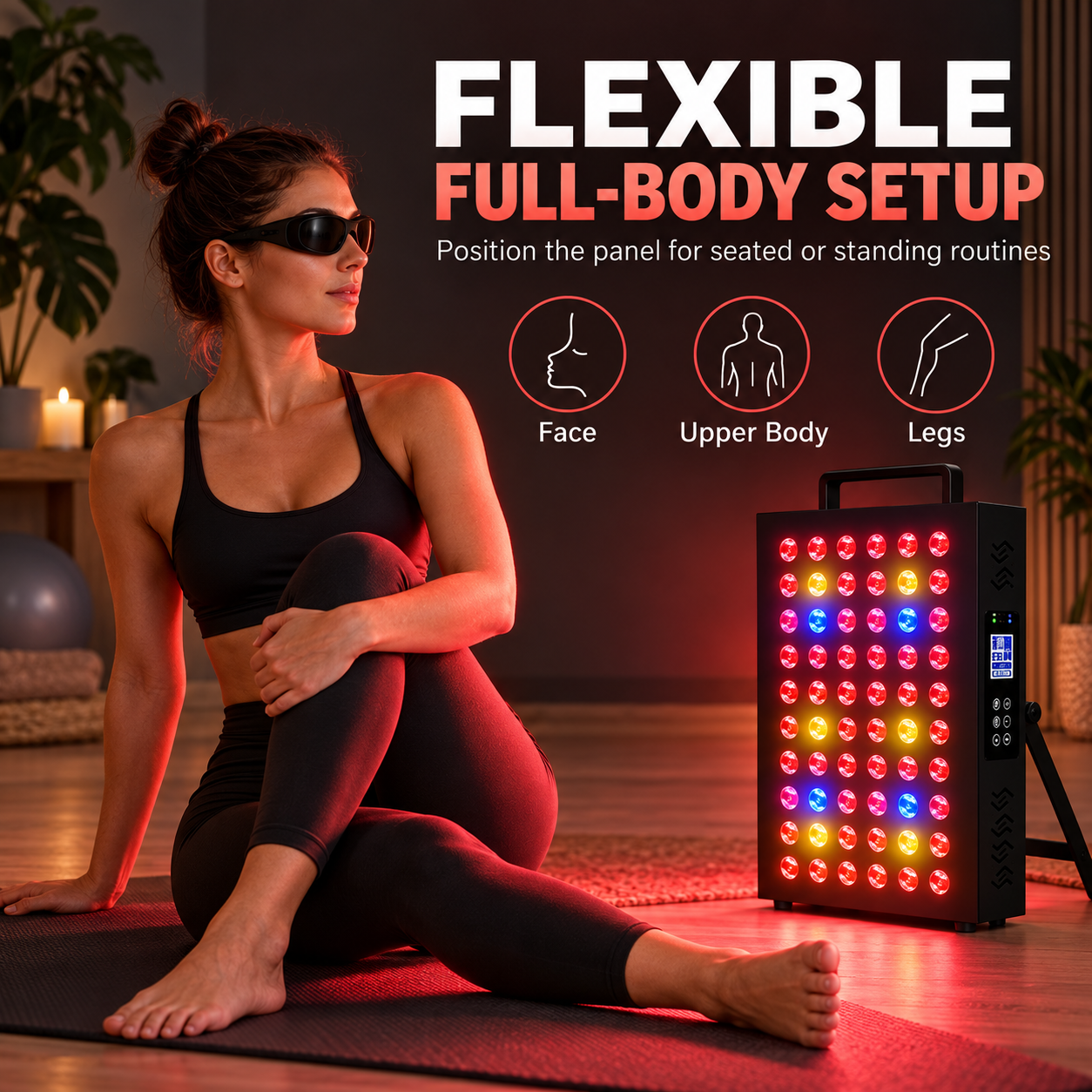
Flexible Full-Body Setup
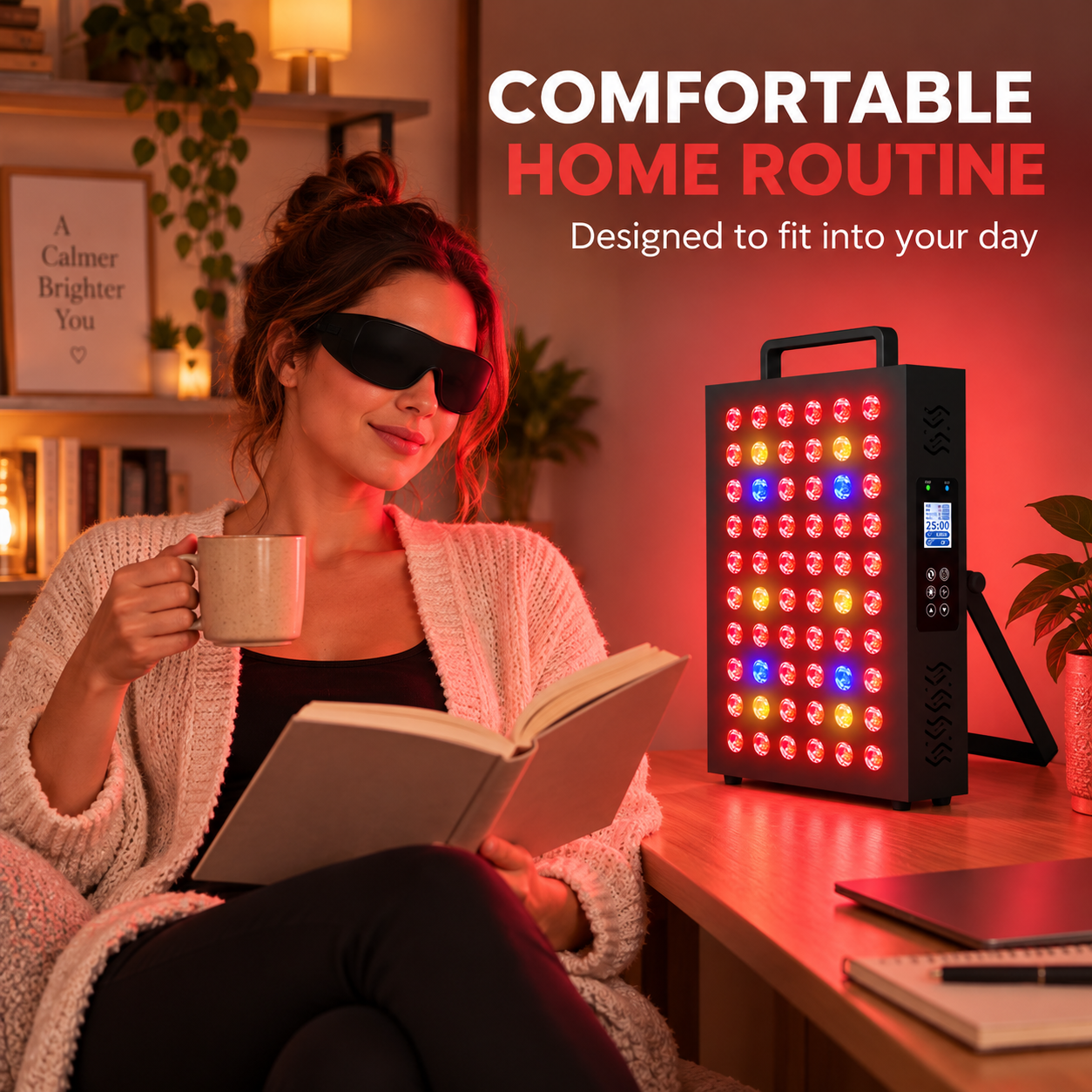
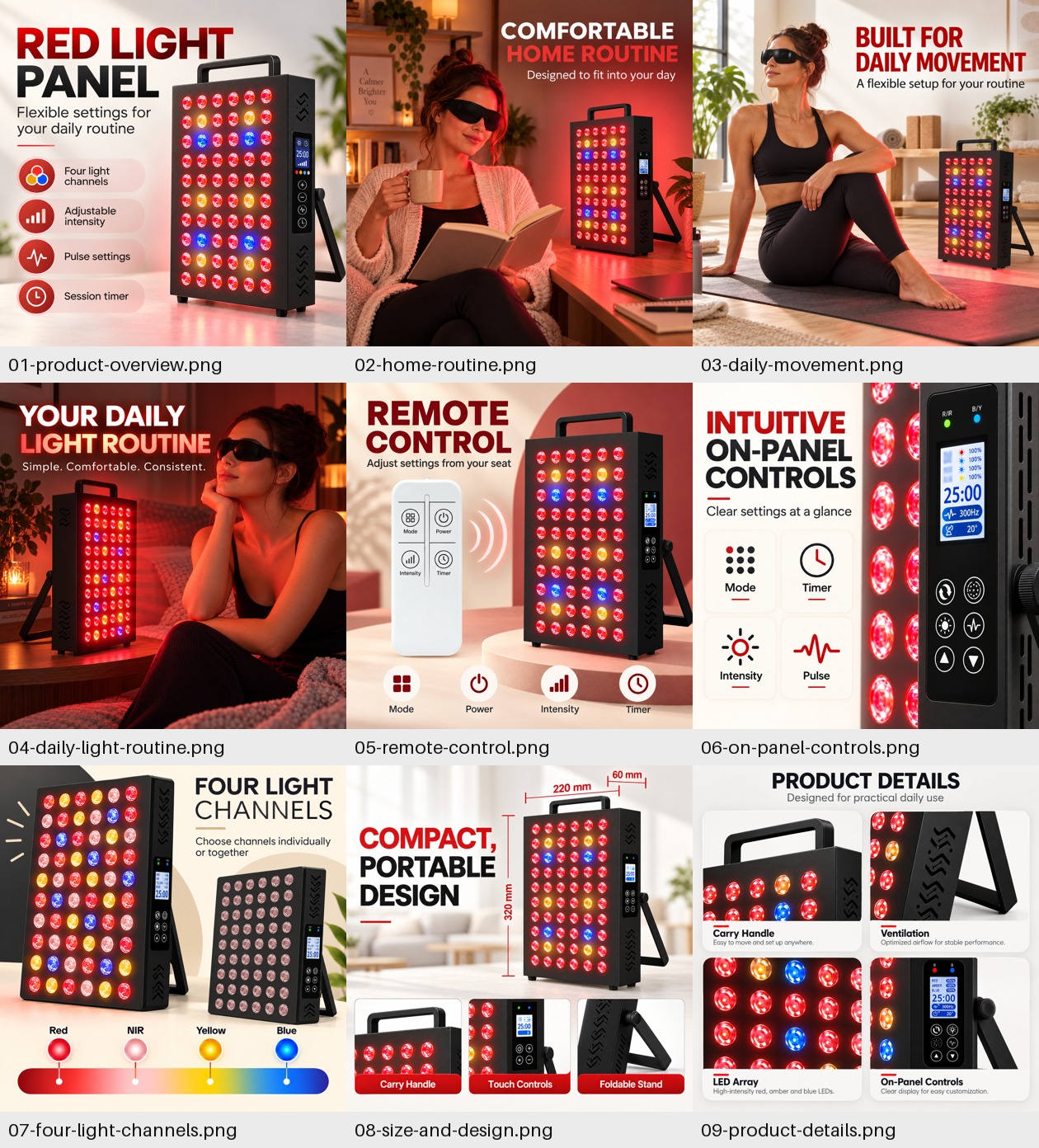
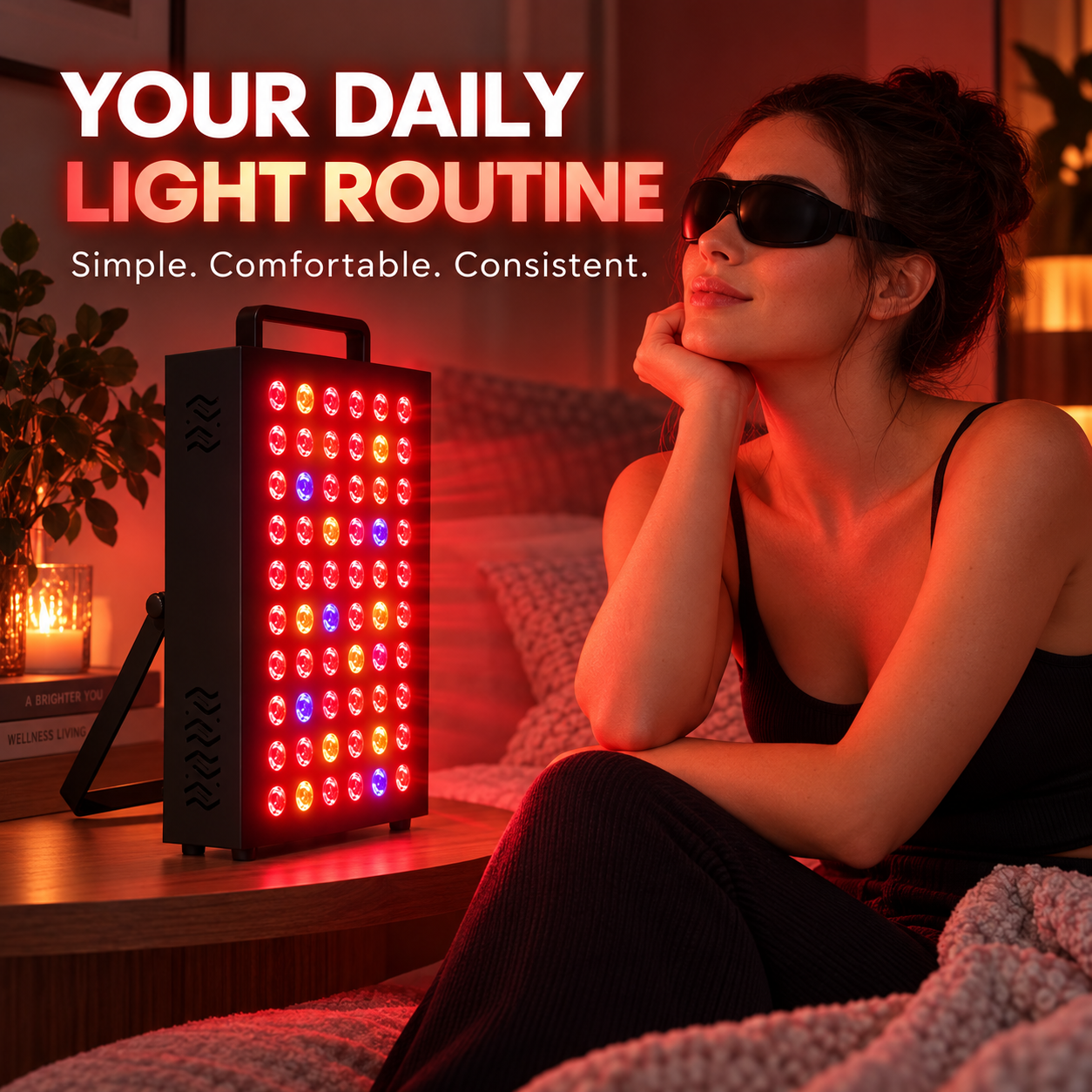
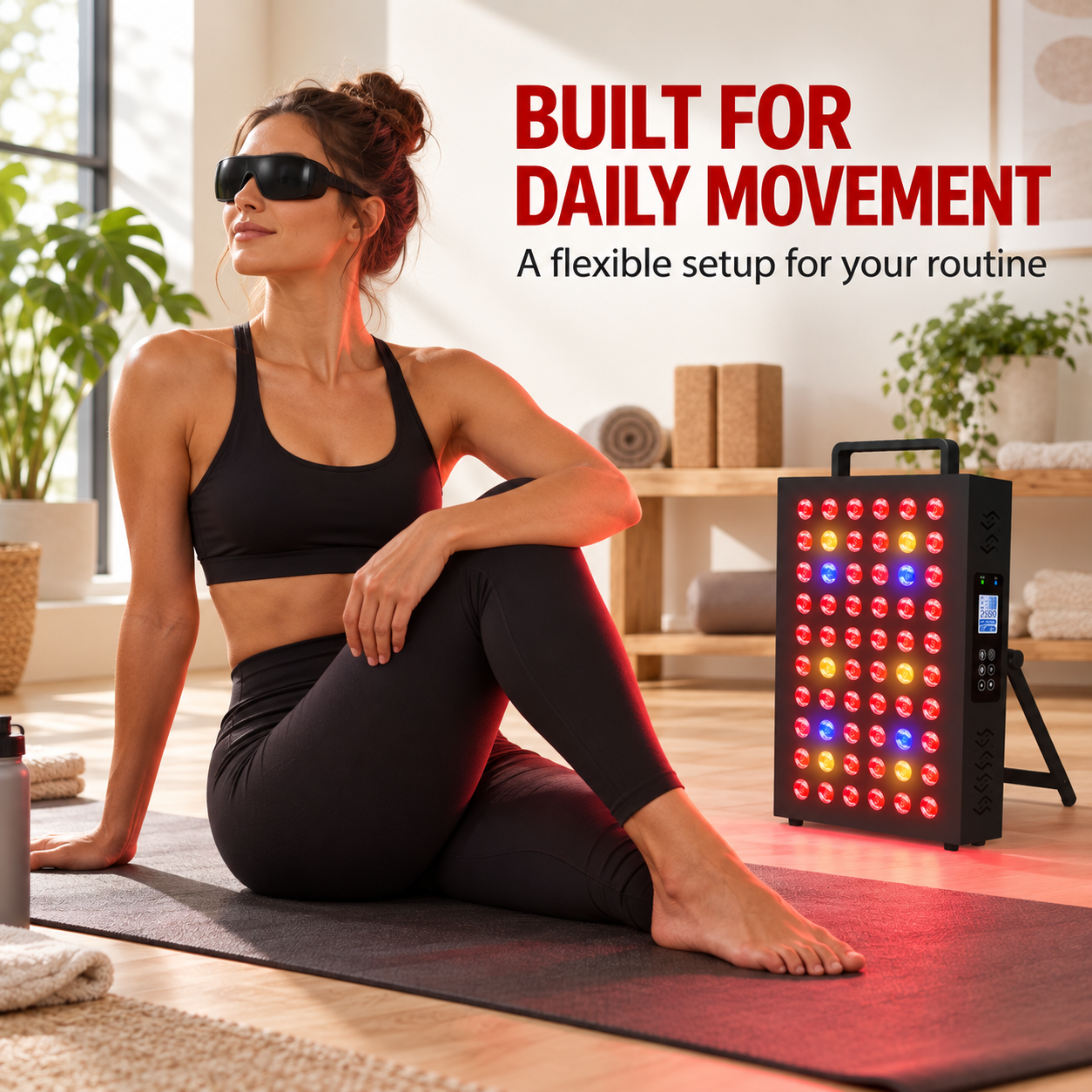
Bring red light into your daily routine with a compact panel designed for flexible placement. Position it for seated or standing sessions and direct the light toward the face, upper body or legs.
One Panel, More Ways to Personalize
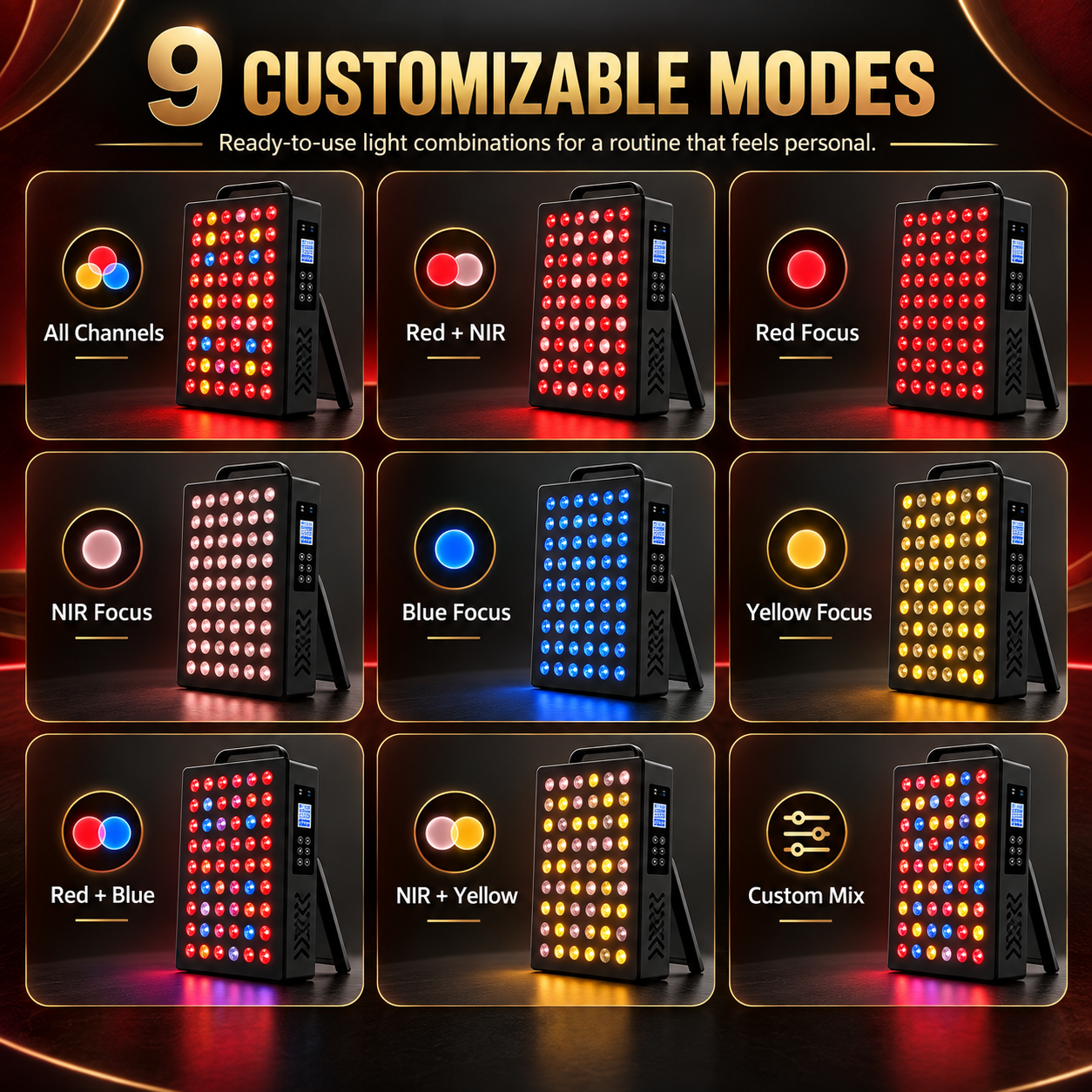
Choose from nine ready-to-use light combinations or create a custom mix. Switch between individual channels without changing devices, making it easier to personalize each routine.
Fine-Tune Every Light Channel
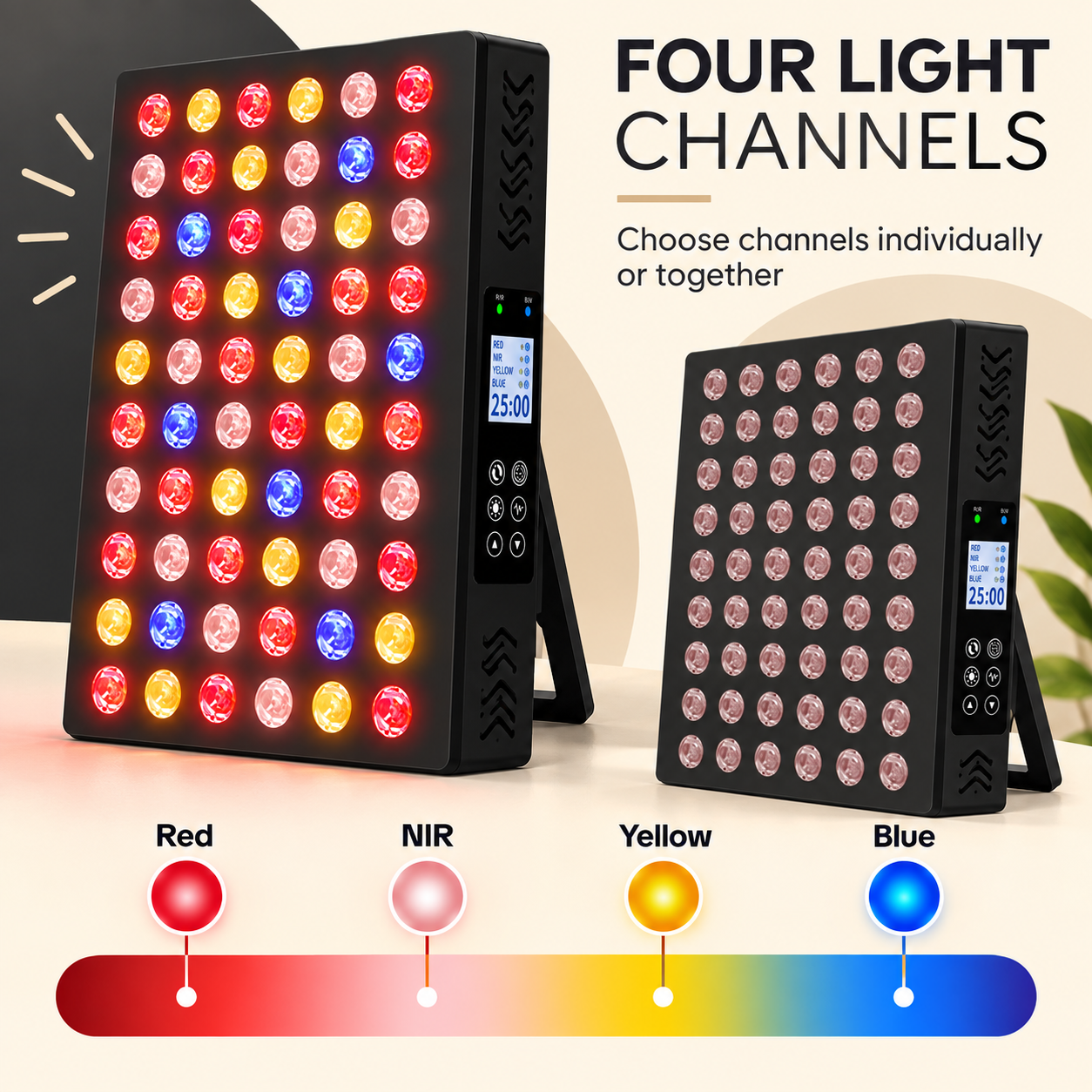
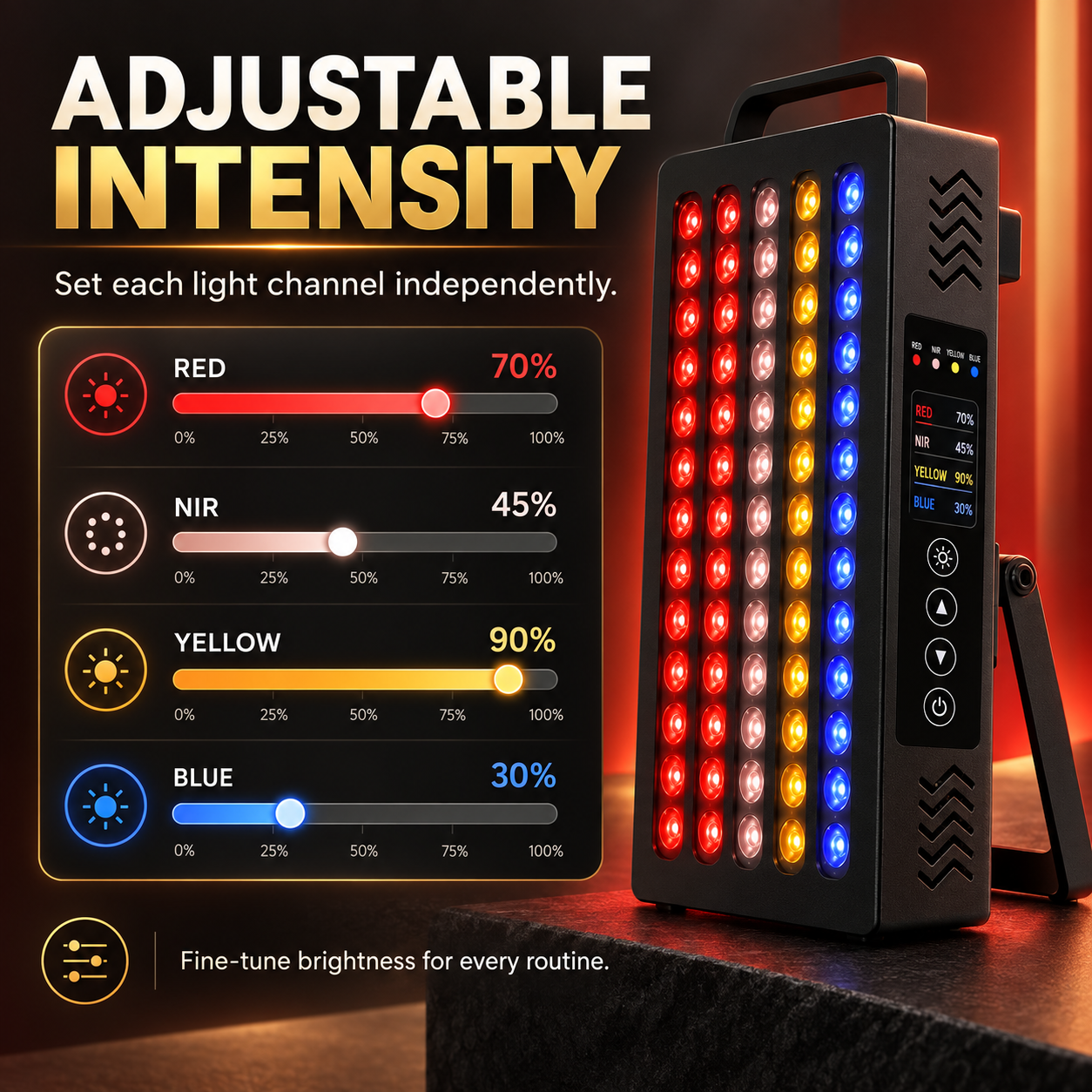
Adjust red, near-infrared, yellow and blue light independently. Set the intensity of each channel from 0% to 100% to match your preferred placement and brightness.
Coverage That Adapts to Your Space
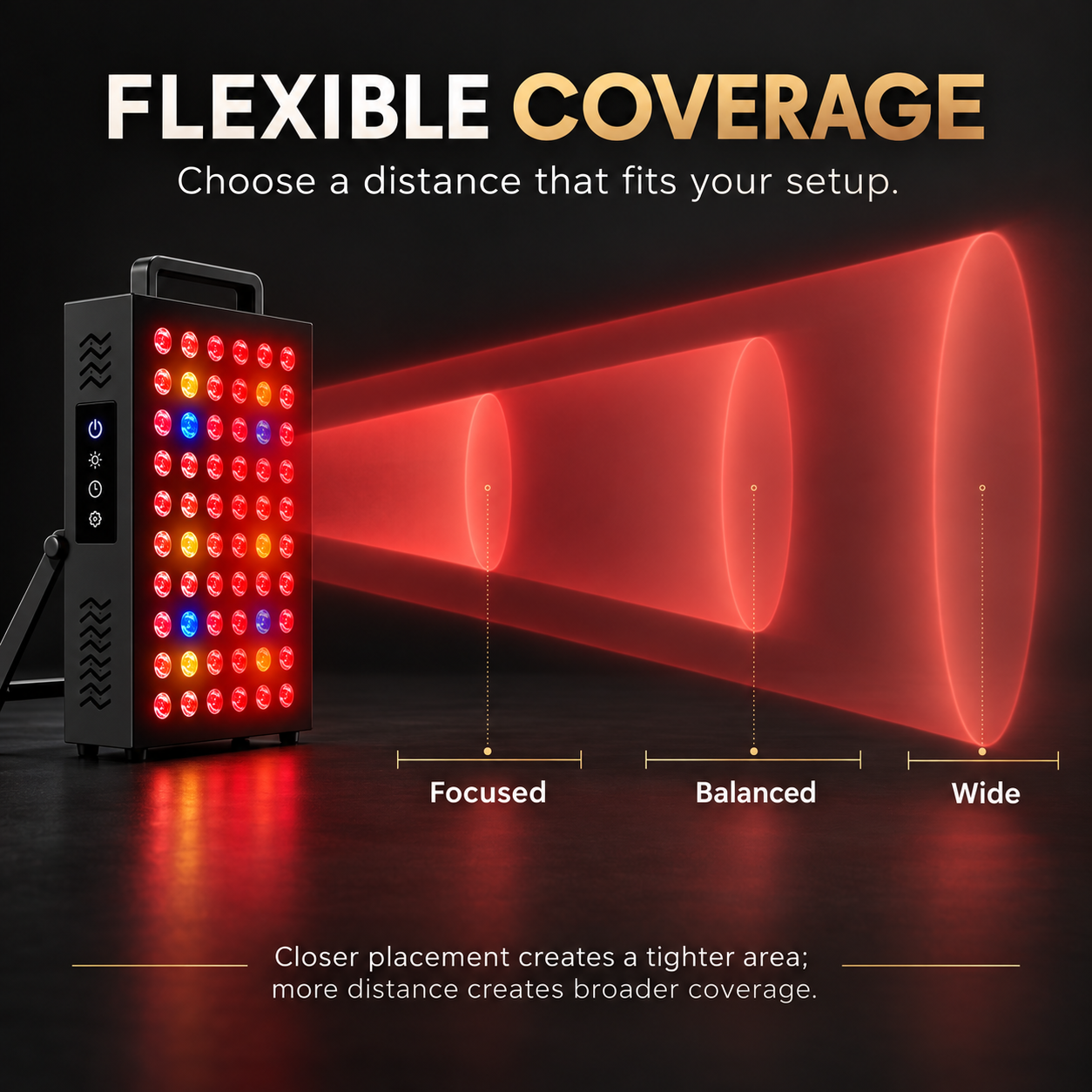
Change the panel’s distance to control the illuminated area. Closer placement creates more focused coverage, while increasing the distance distributes the light across a broader area.
Four Light Channels in One Panel
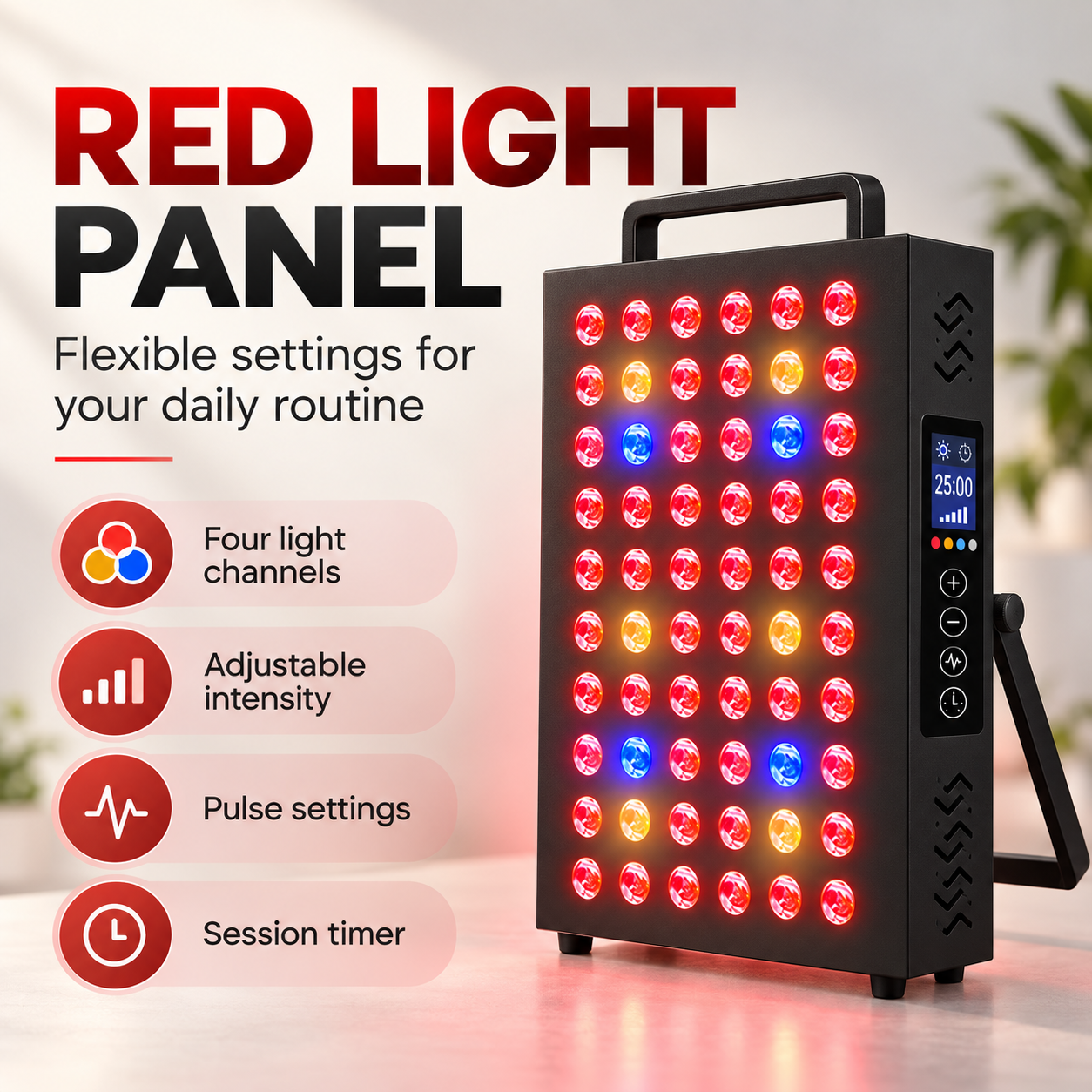
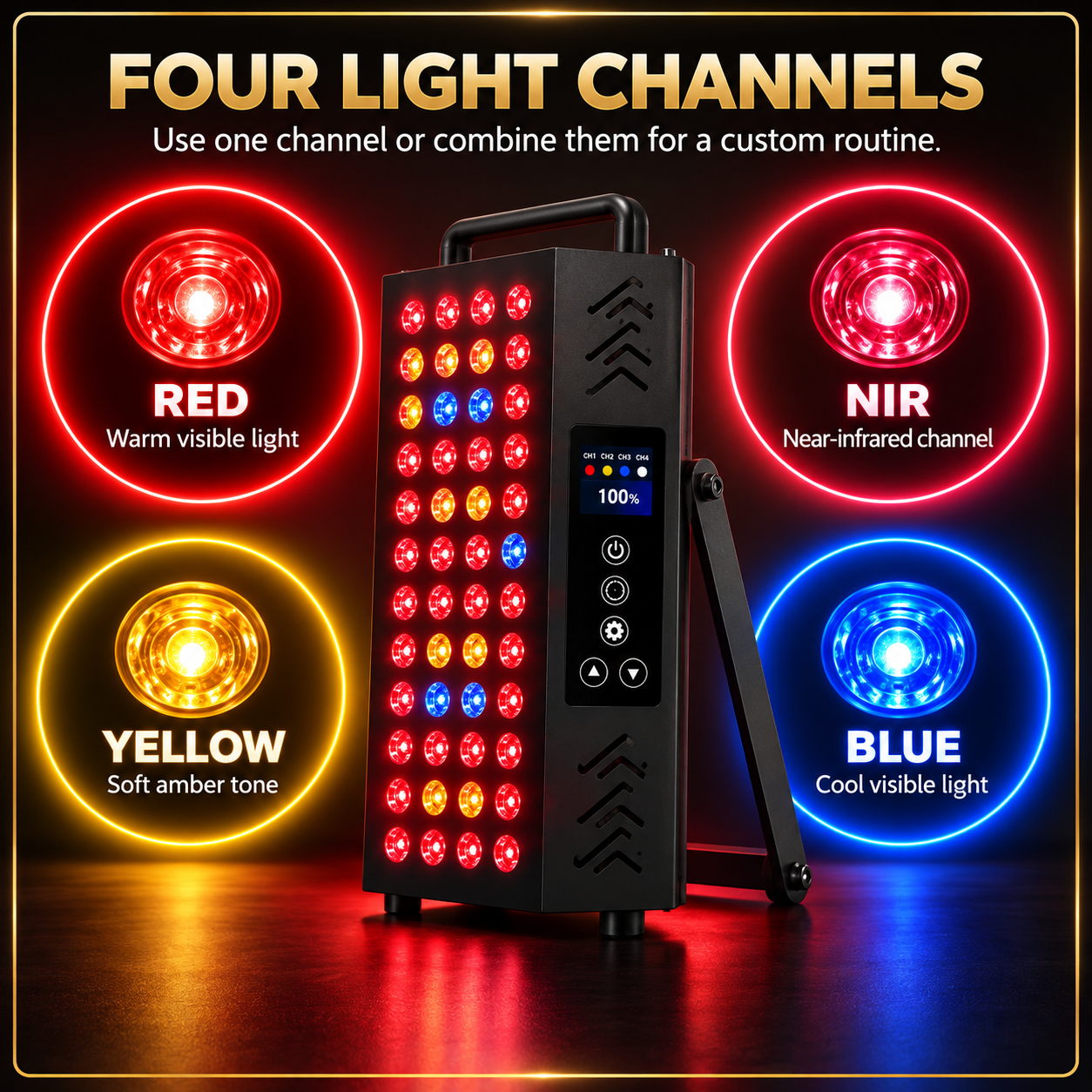
Use red, near-infrared, yellow or blue light individually—or combine multiple channels to create a personalized routine. All four channels are integrated into one compact device.
Comfortable Control from Your Seat
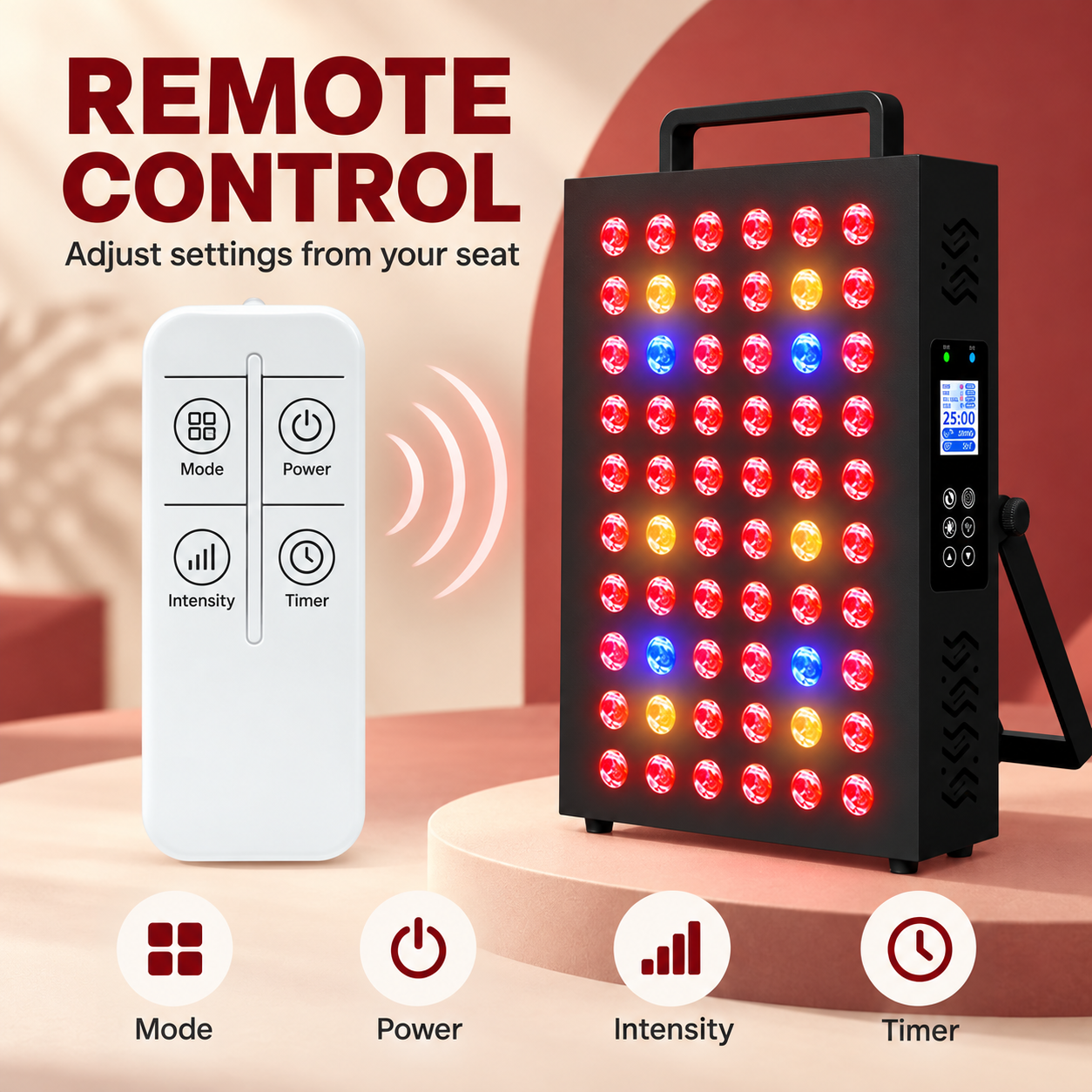
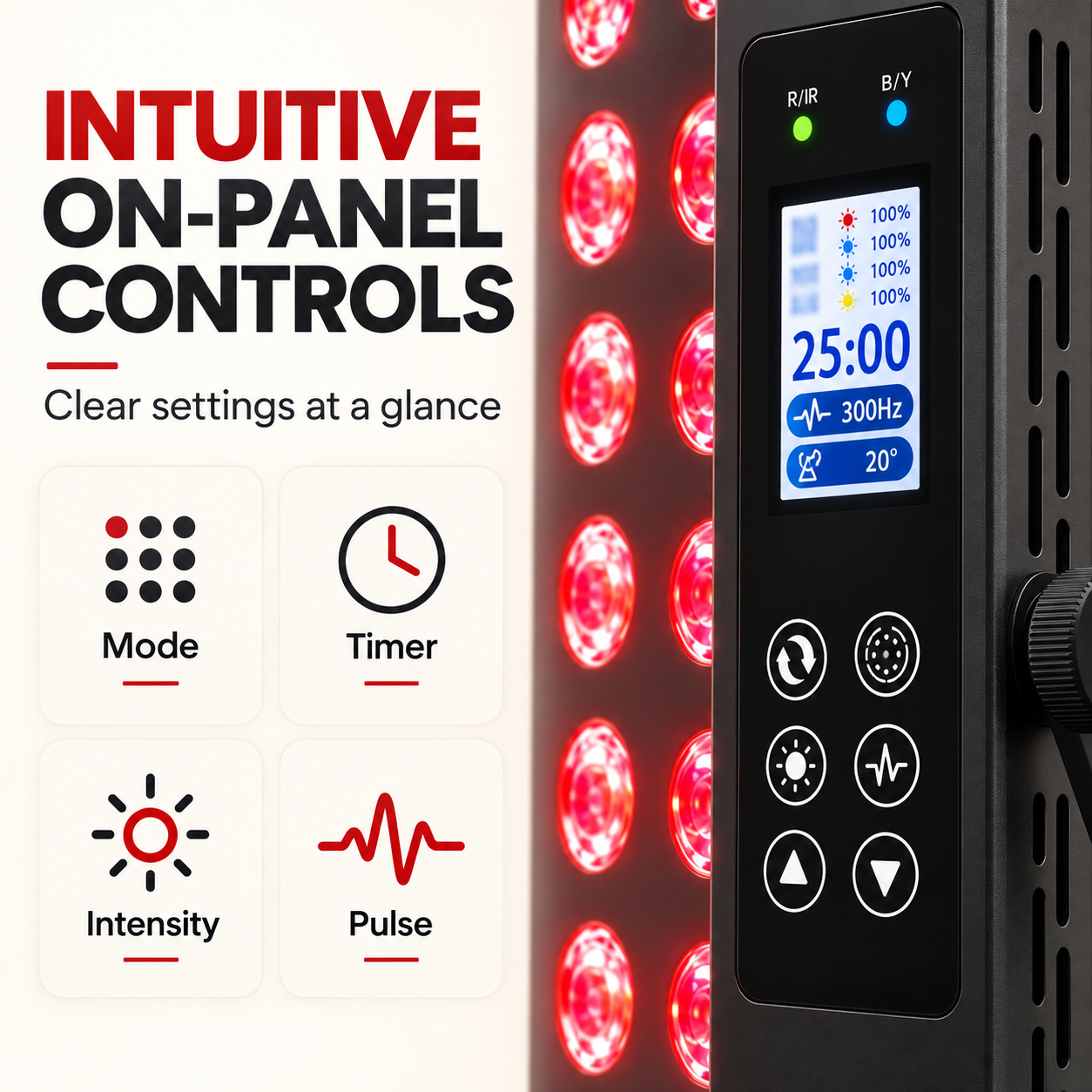
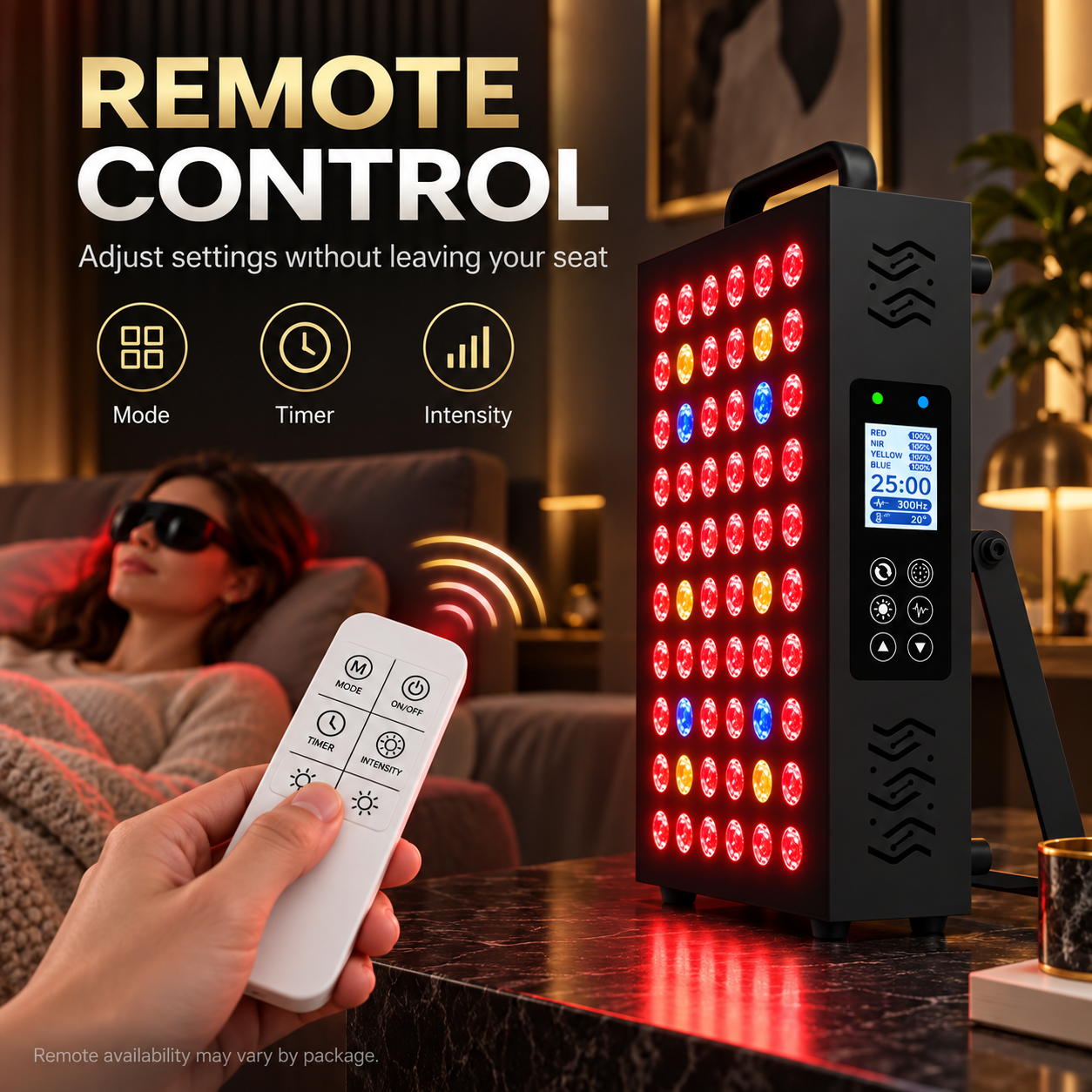
Adjust the mode, timer and intensity without interrupting your routine. If a remote is supplied with your selected package, it provides access to essential settings from a comfortable distance.
Ready in Three Simple Steps
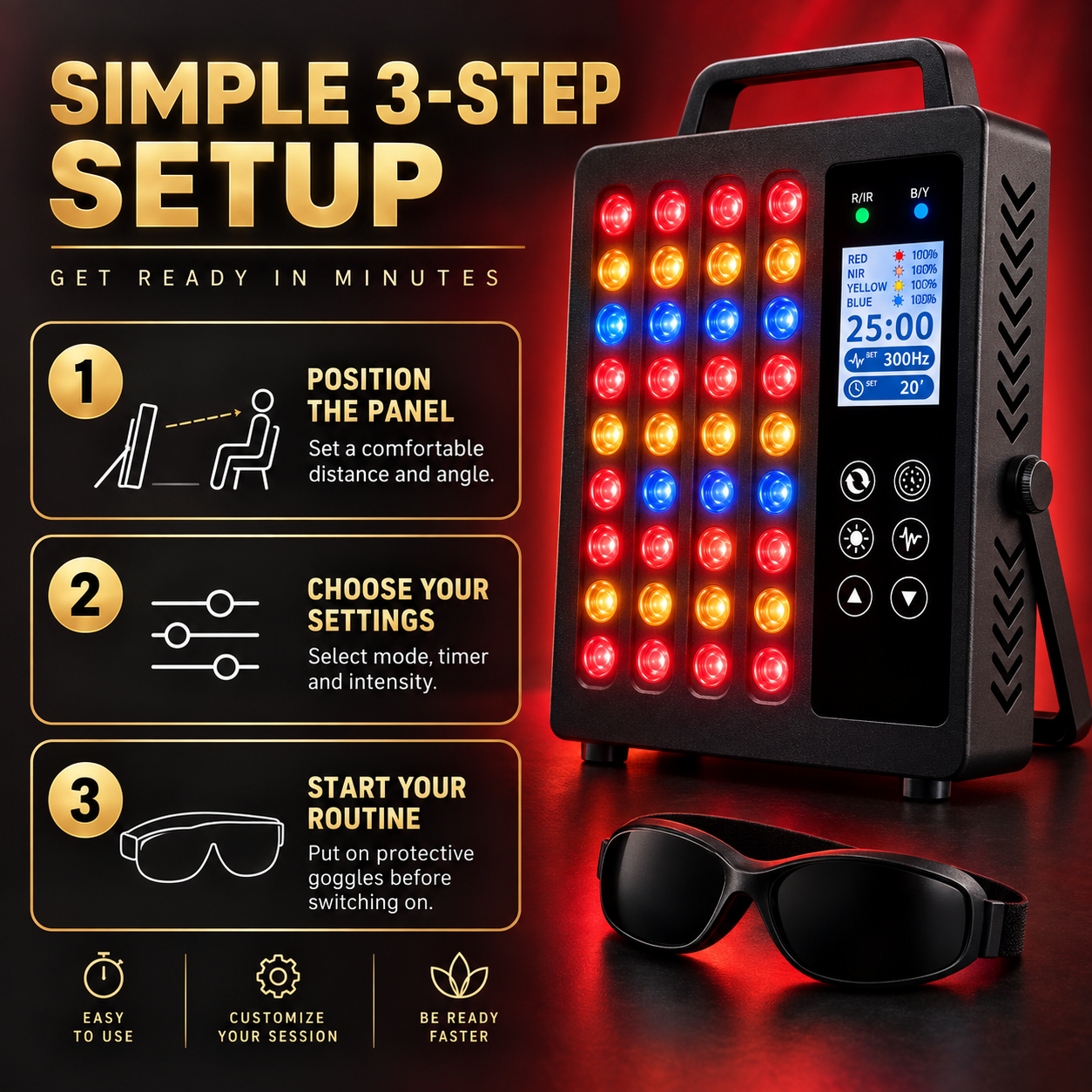
Position the panel at a comfortable distance and angle, select your preferred settings, and put on the protective goggles before switching on the light. Always follow the supplied user manual and recommended session guidance.
Designed for Practical Daily Use
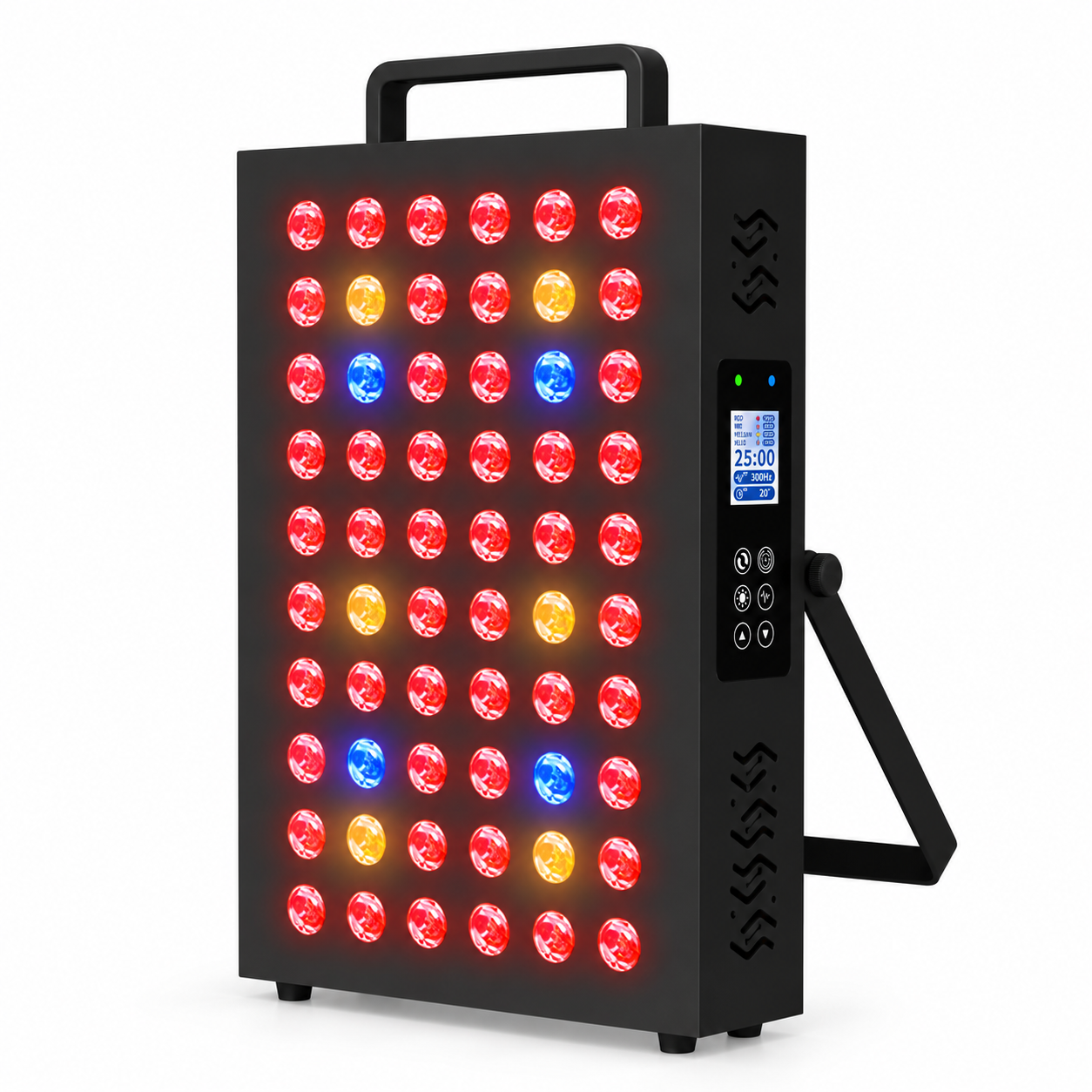
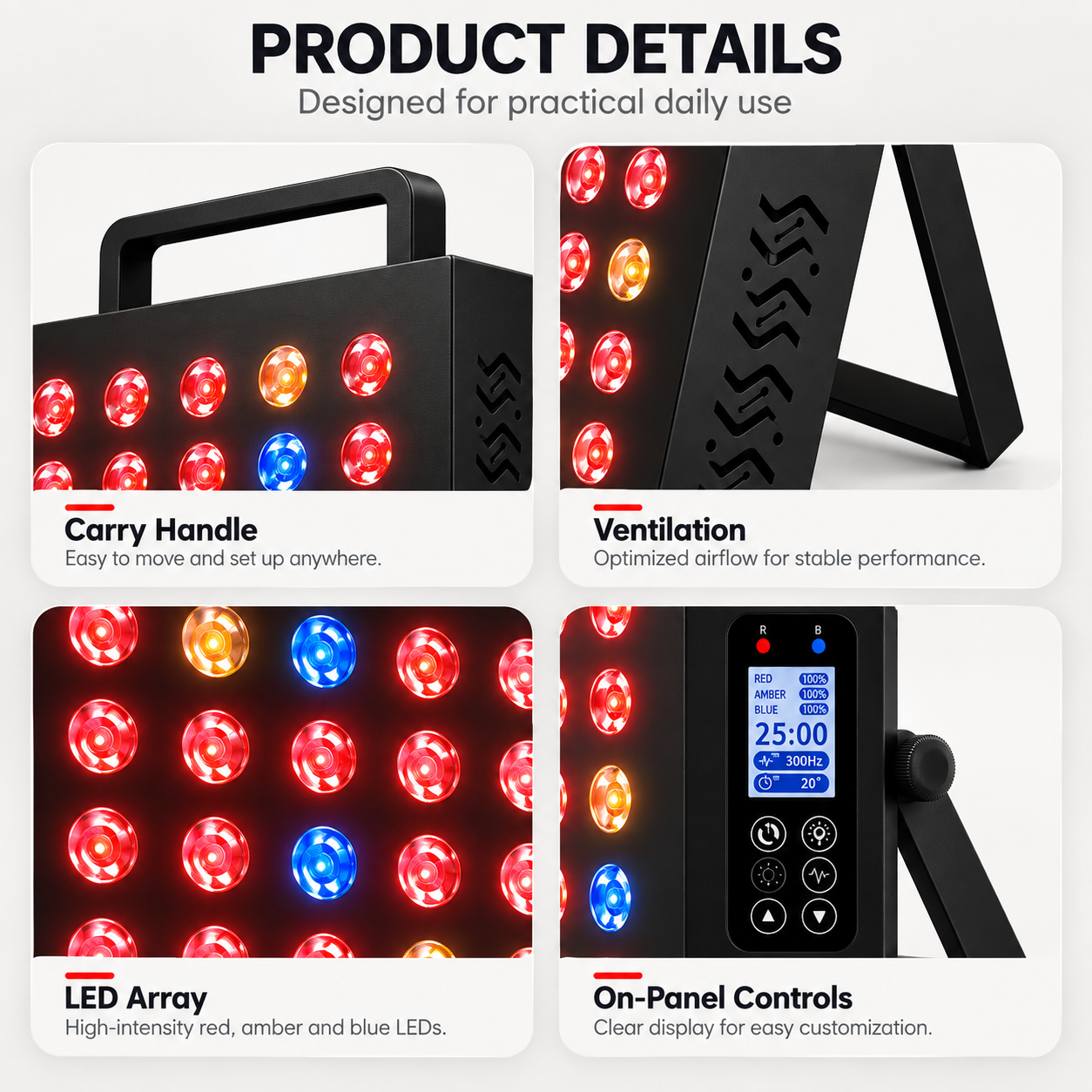
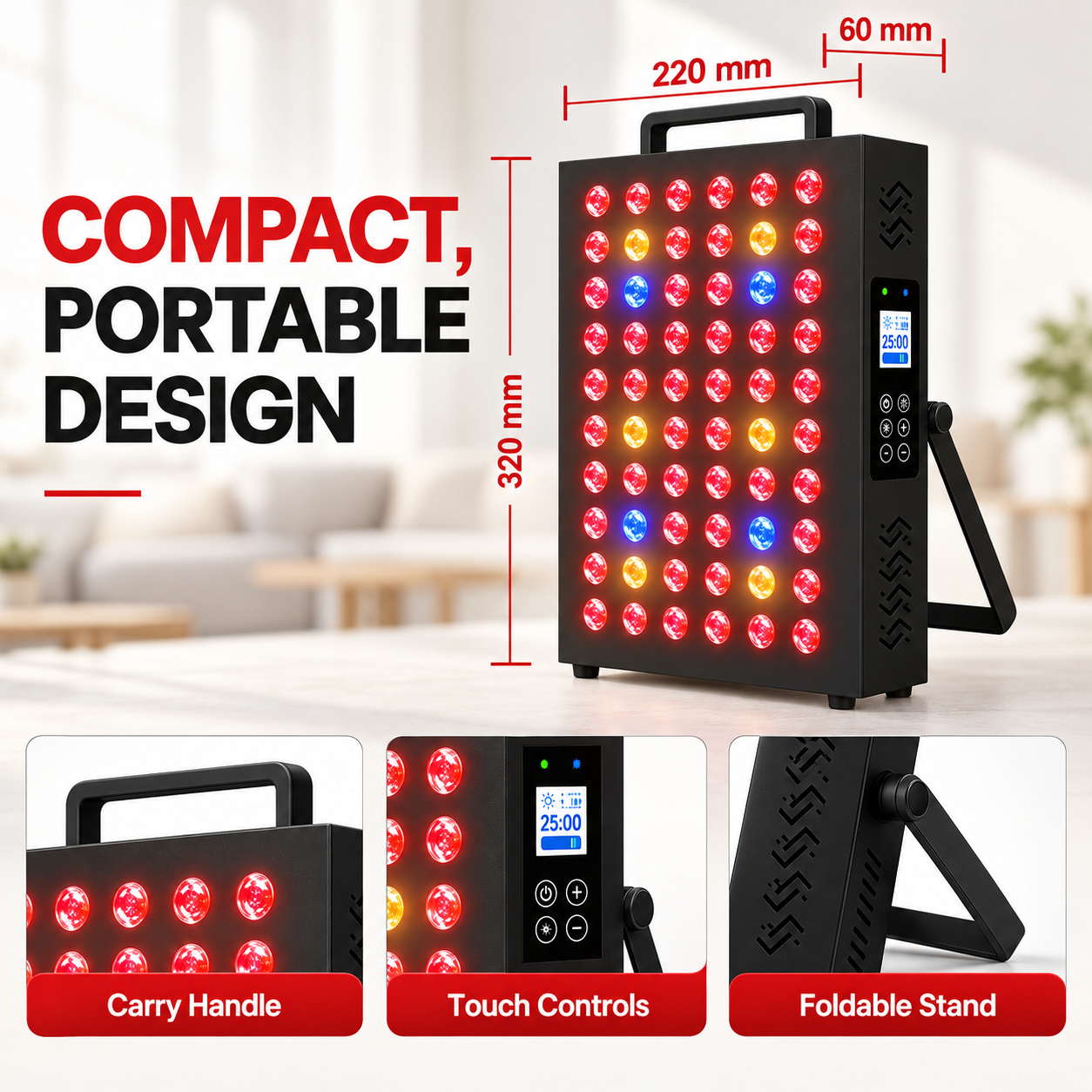
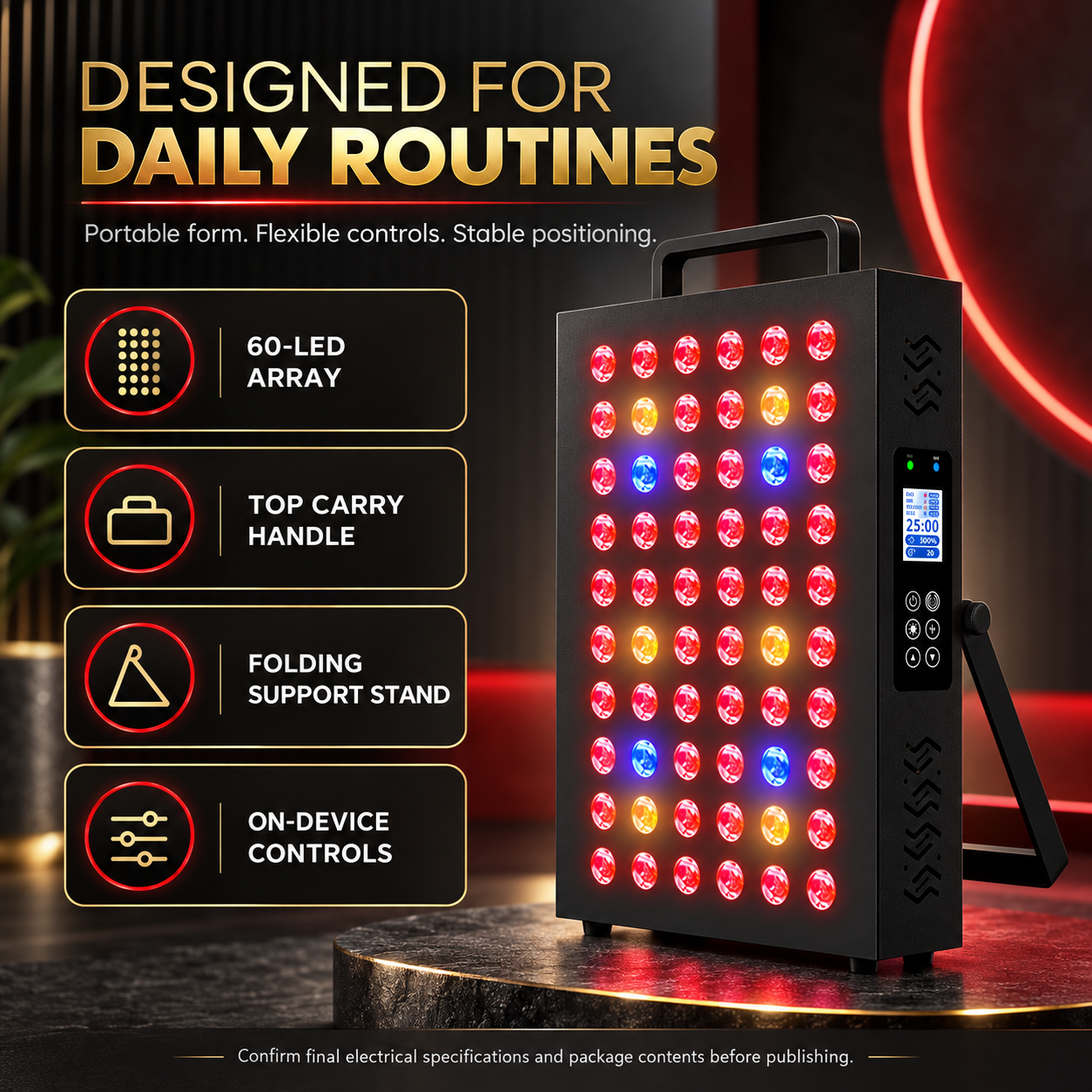
The compact structure combines a 60 dual-chip LED array, integrated carry handle, folding support stand and on-device controls. Move the panel between rooms, adjust its angle and operate it directly from the side control panel.
Compact Size. Customizable Output.
Built for flexible face and body routines, Ray™ Go M60 combines four light wavelengths, adjustable settings and a compact portable form.
Build a Routine That Works for You
From flexible placement to independently adjustable light channels, every feature is designed to make setup simple and convenient. Choose your settings, protect your eyes and enjoy a more personalized light routine at home.
Panels for everyday spaces
See how different panel formats can fit into the spaces and moments that make up your day.
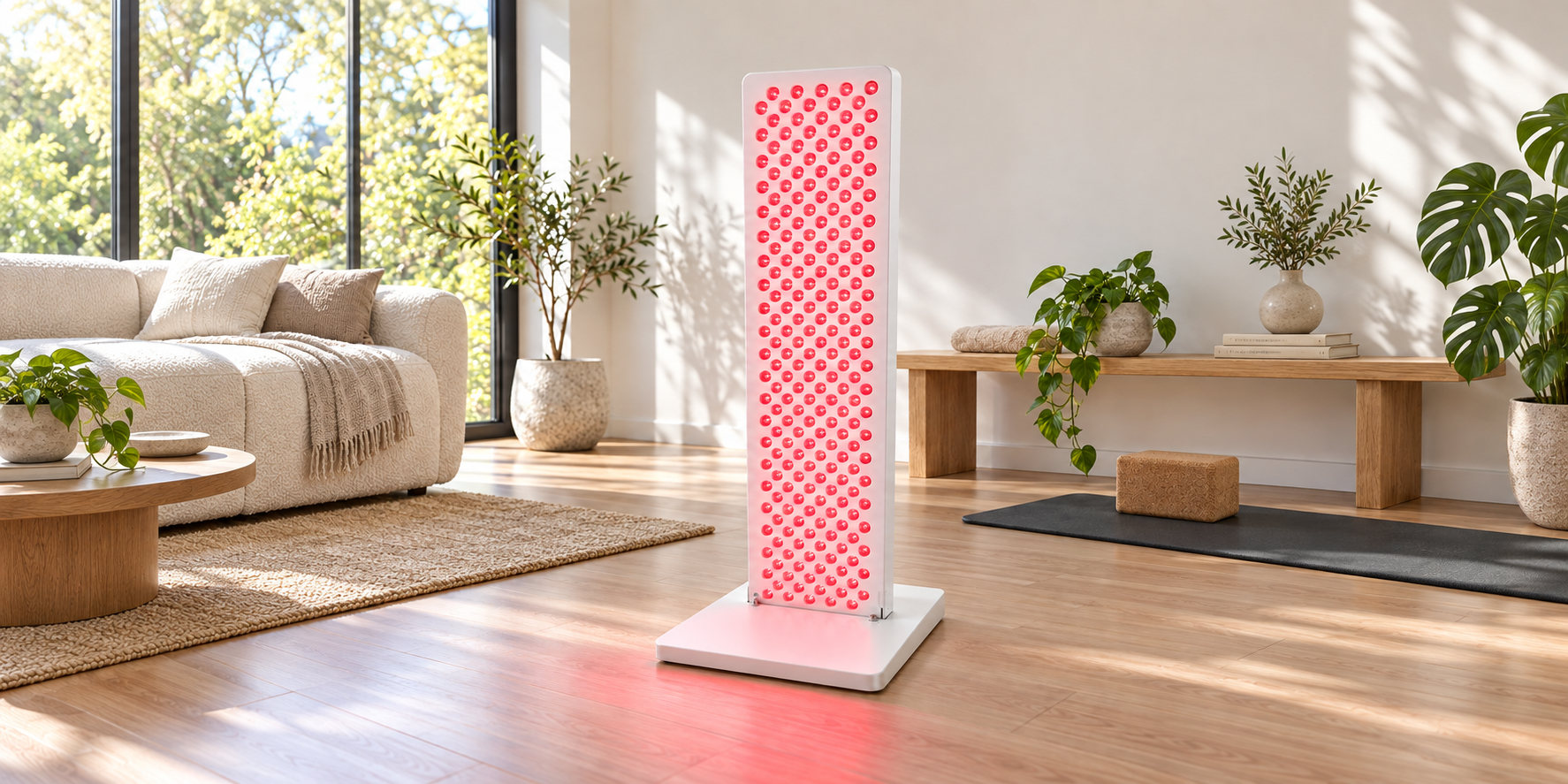
Room to make it yours
Ray Summit M210 shown in a bright living space.
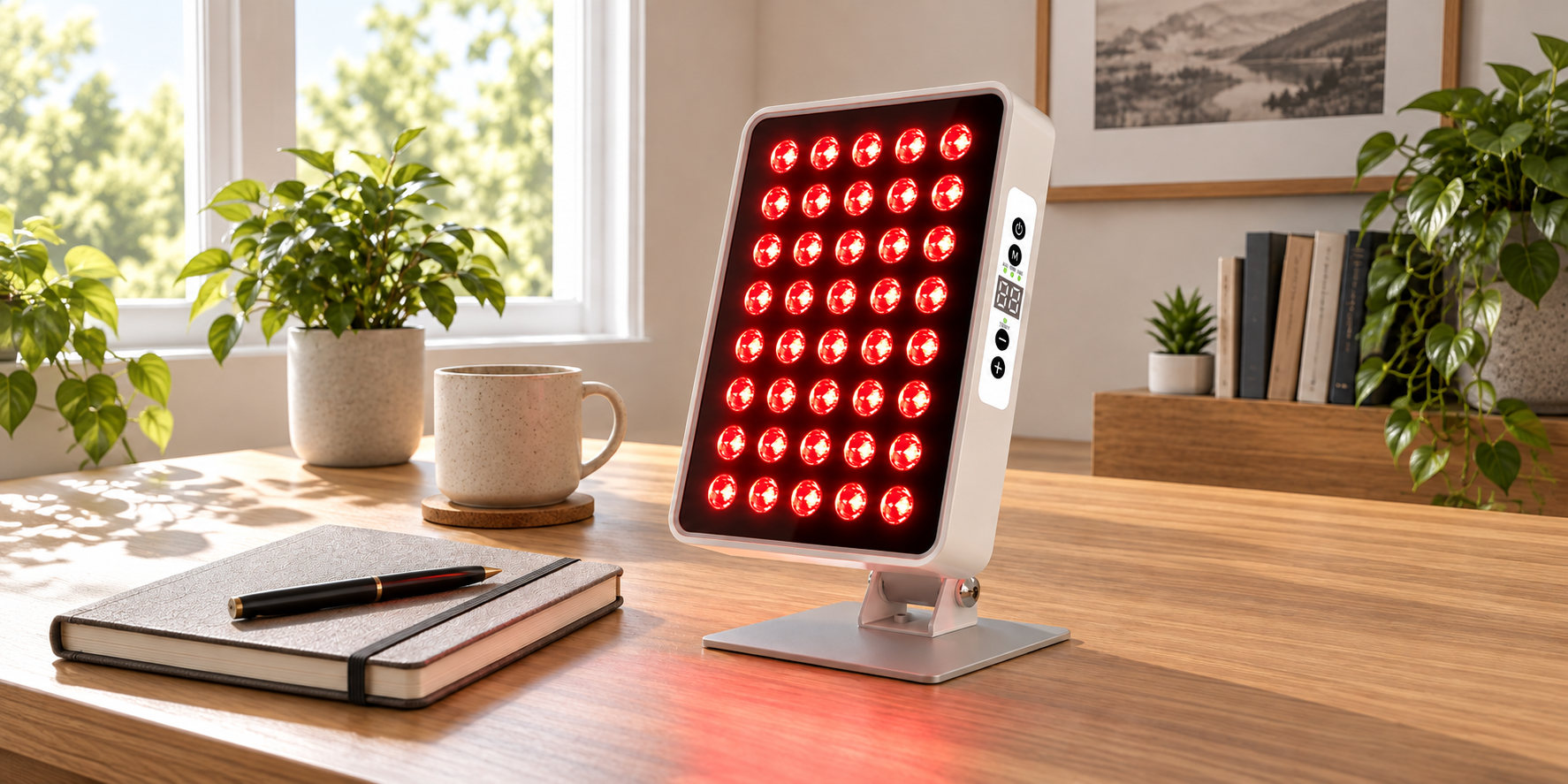
A place for your daily routine
Ray Aura A40 shown on a desk at home.
Find a setting that fits
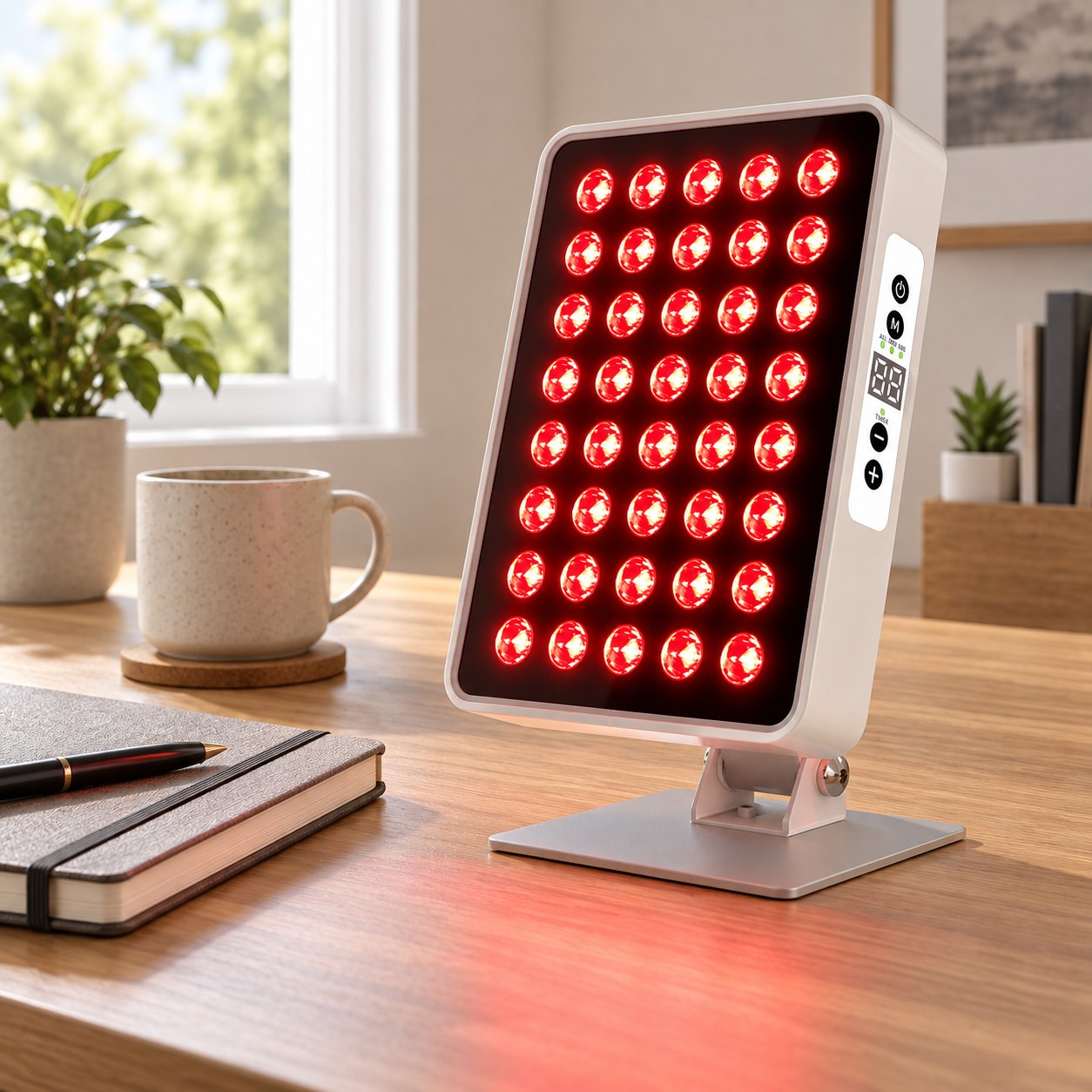
At your desk
Ray Aura A40 in a home office setting.
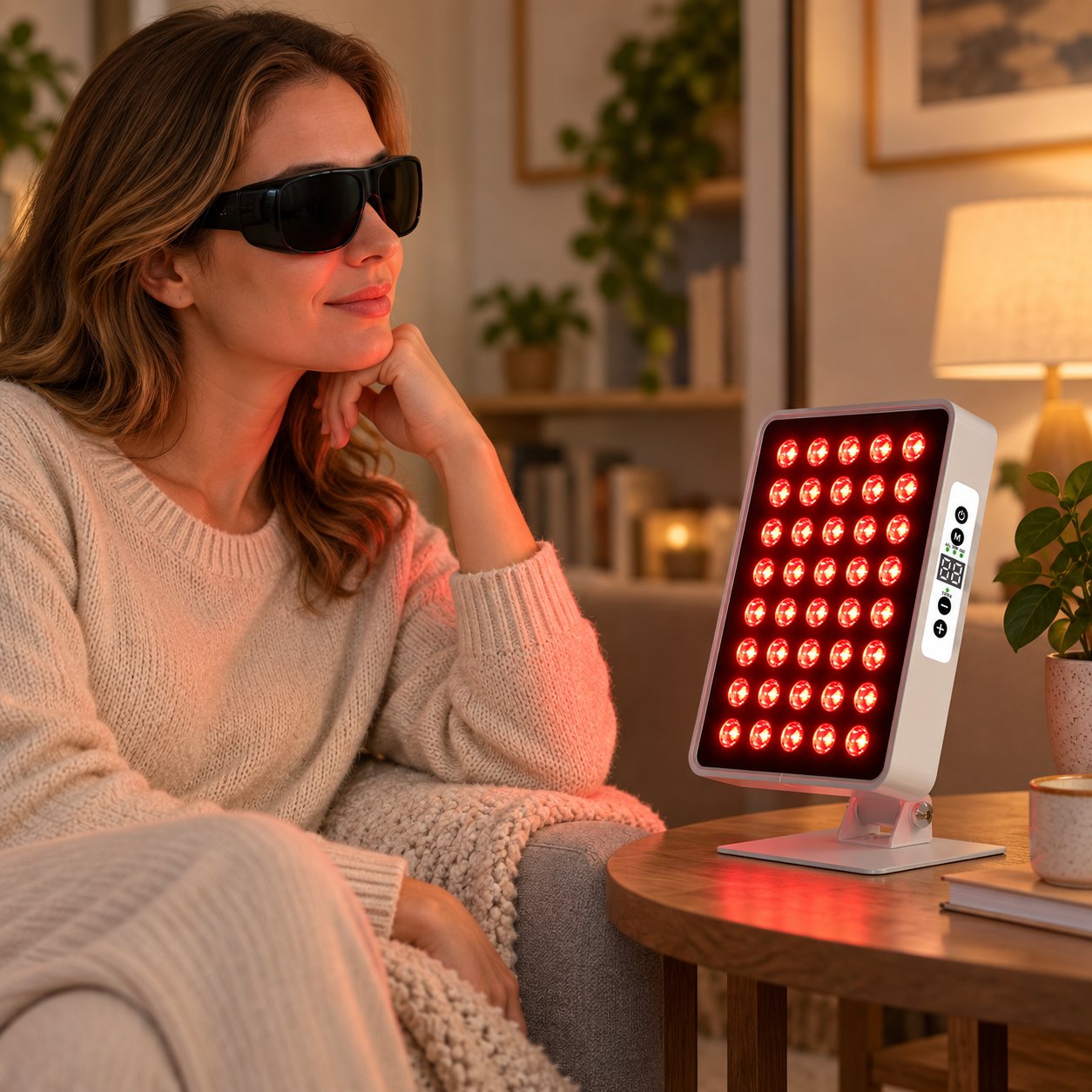
A quieter moment
Ray Aura A40 beside a seat at home.
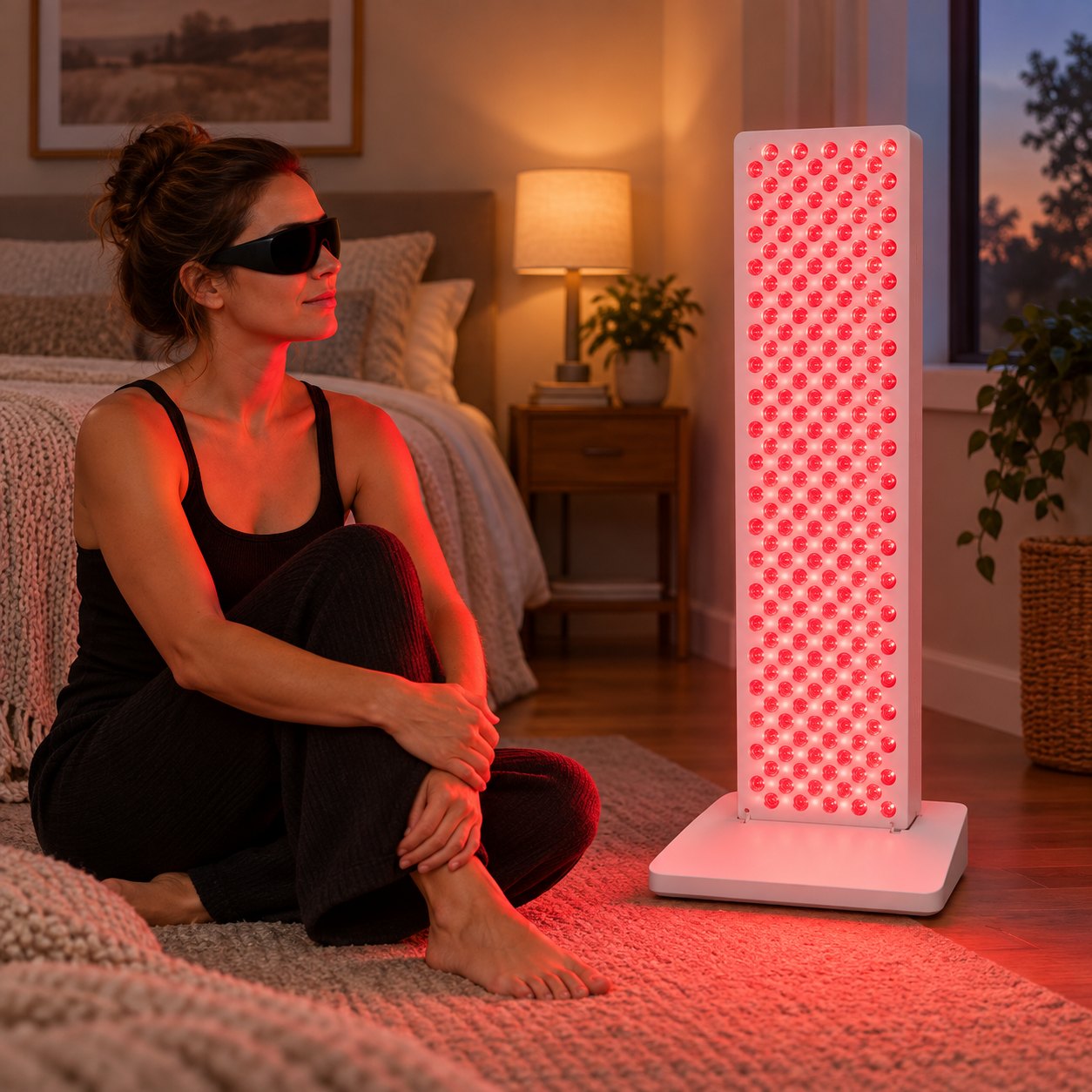
Room for more
Ray Summit M210 in a larger home setup.
Questions before you choose?
Start with the basics, then explore each model for its own details.
How do I choose a panel size?
Consider where you plan to place it and compare the dimensions listed on each product page. You can also see the models side by side on our Compare Models page.
Are controls the same on every model?
Controls vary by model. Check the product description and images for the panel you are considering.
Where can I find the included accessories?
Look at the individual product listing for the accessories included with that model.
Where can I ask another question?
Visit our Contact page and send us your question.
Find the right fit
Compare models, explore helpful guides, or ask us a question.
Compare Models
See the available panels side by side to find the format that fits your space.
View comparison →Explore Learn
Find guides on placement, controls, and getting started with your panel.
Read the guides →Ask a question
Need help with a model or an order? Send a message to our team.
Contact us →