
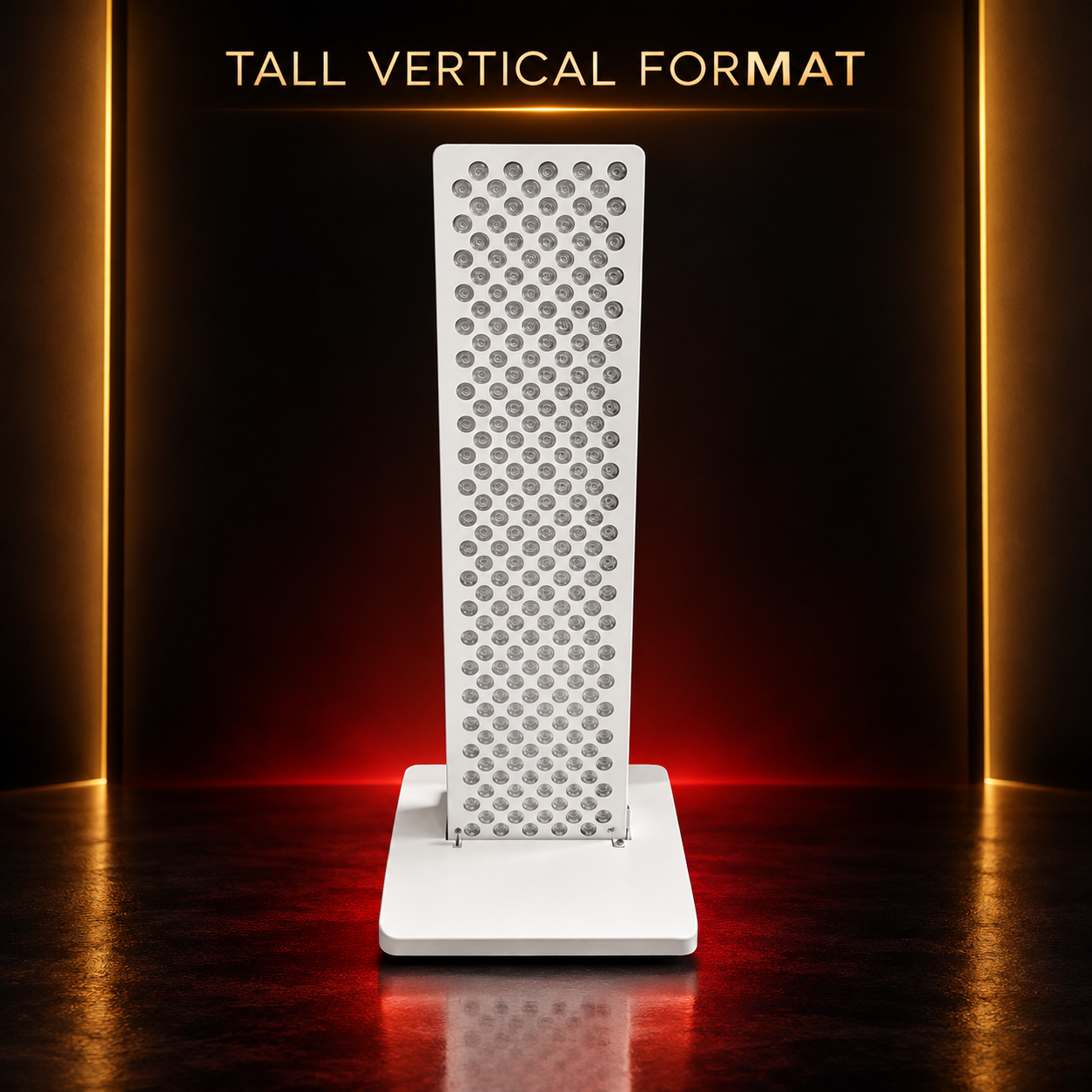
Panels for everyday spaces
See how different panel formats can fit into the spaces and moments that make up your day.
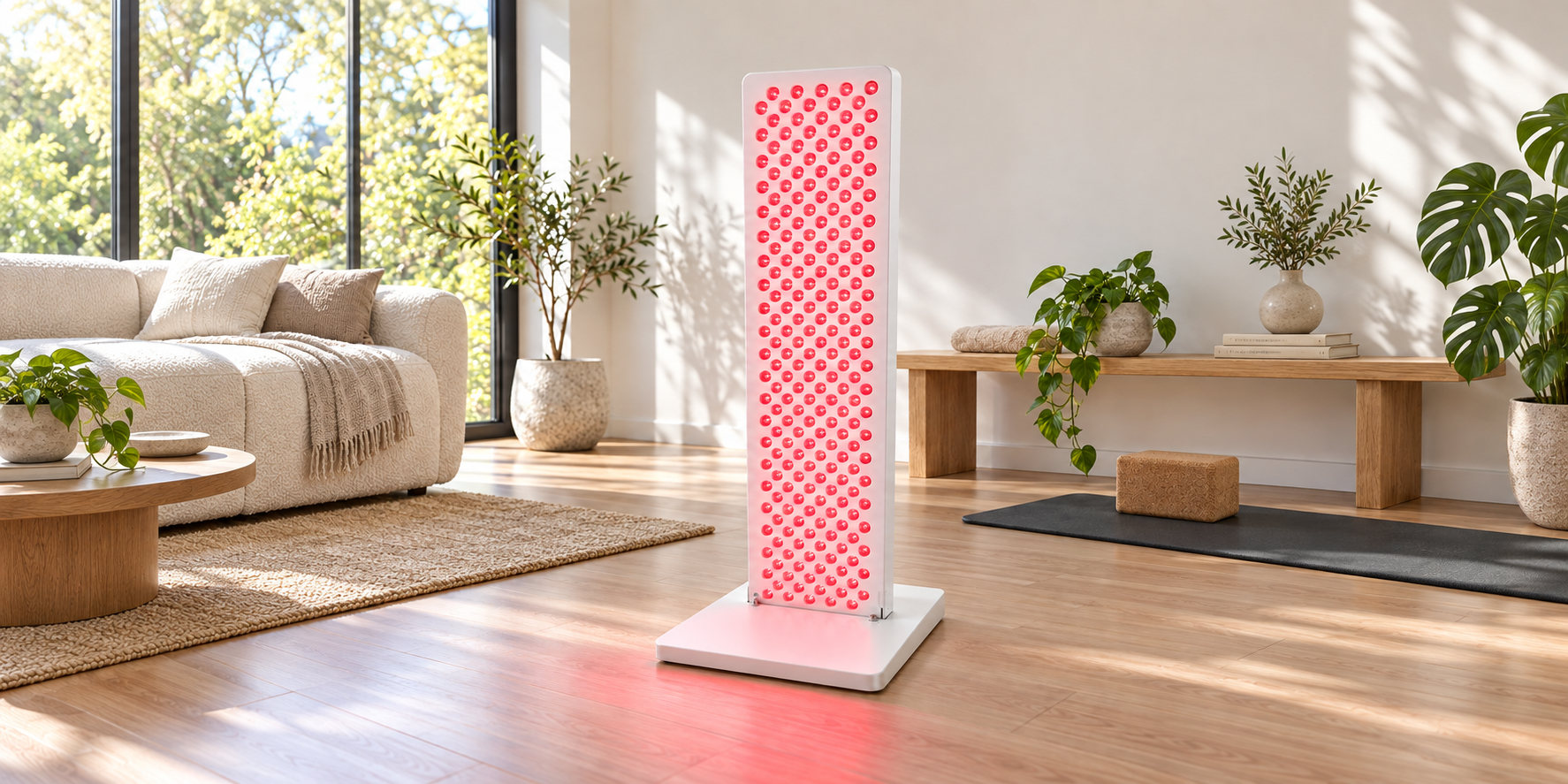
Room to make it yours
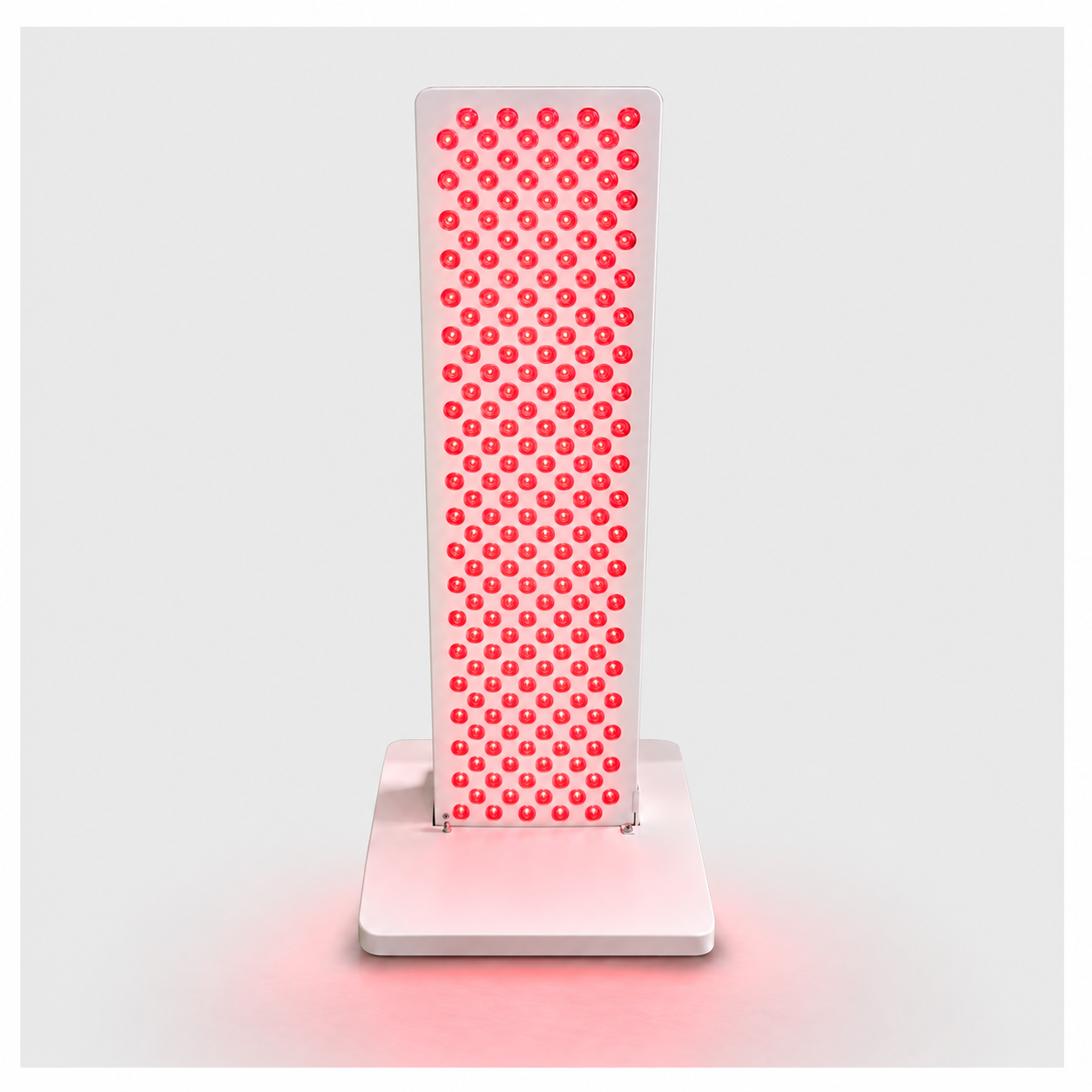
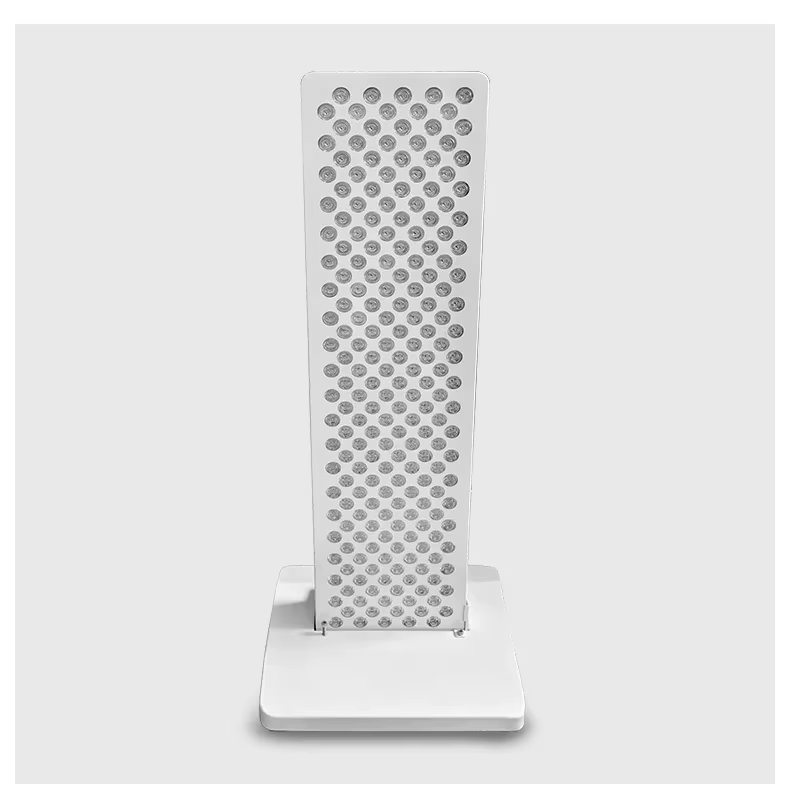
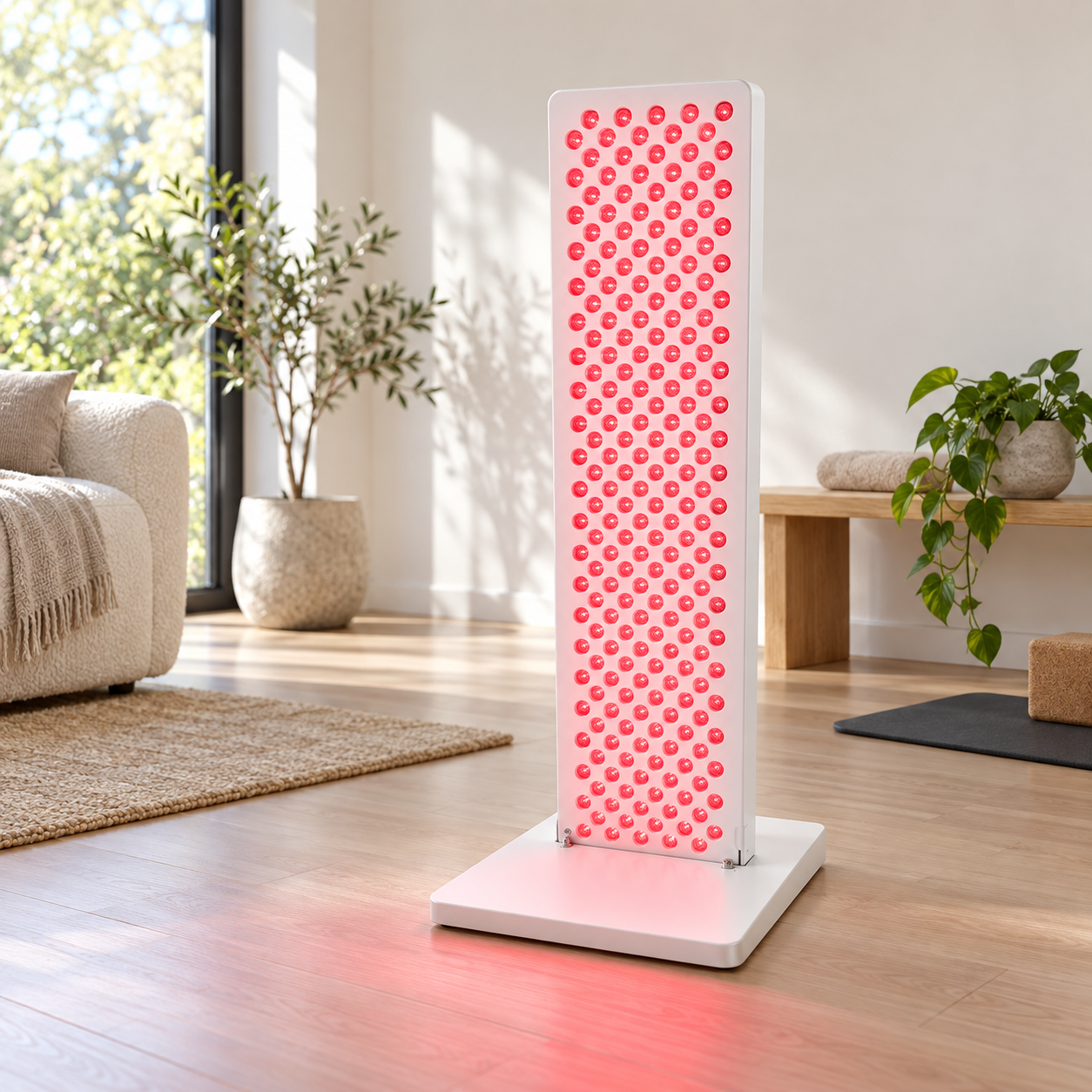
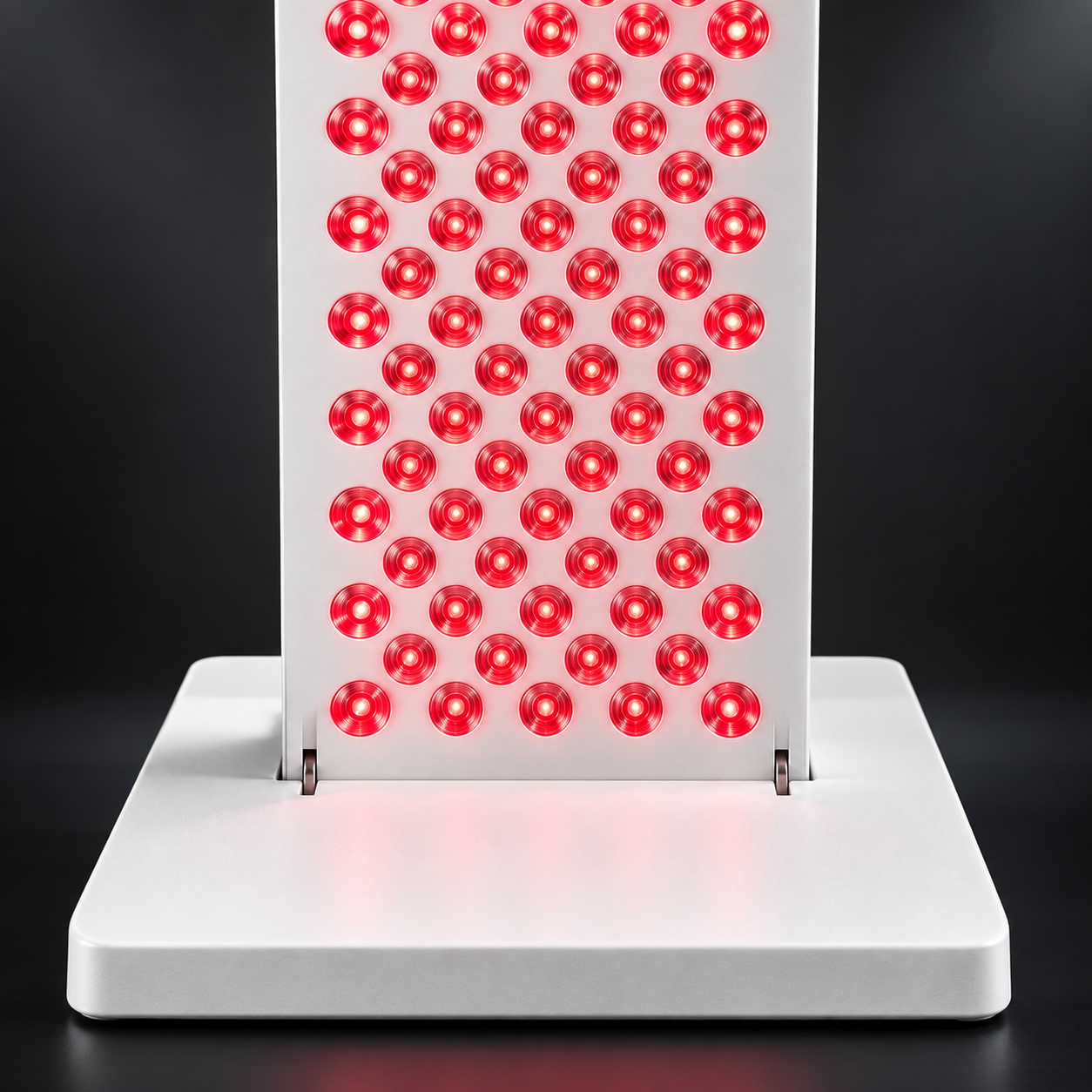
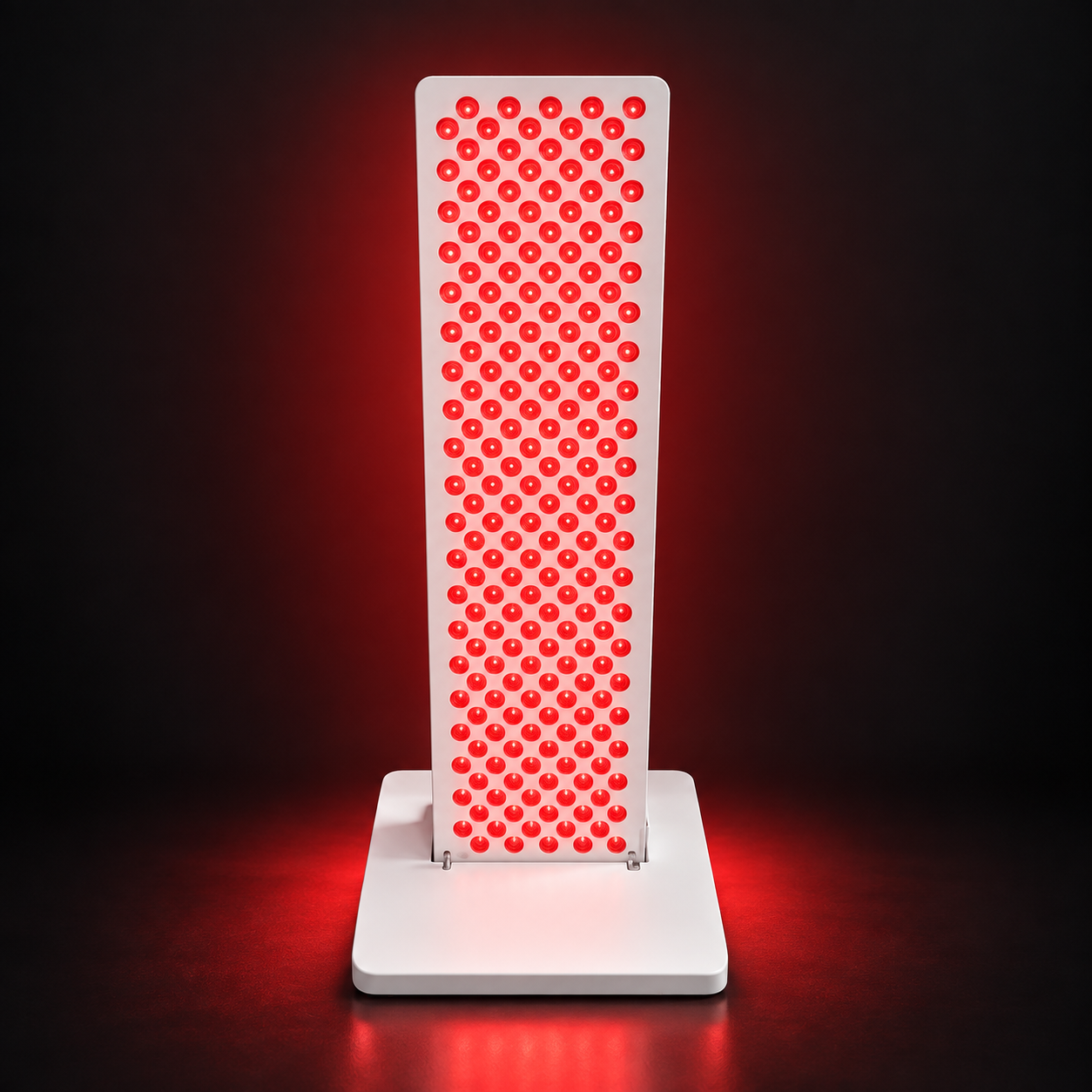
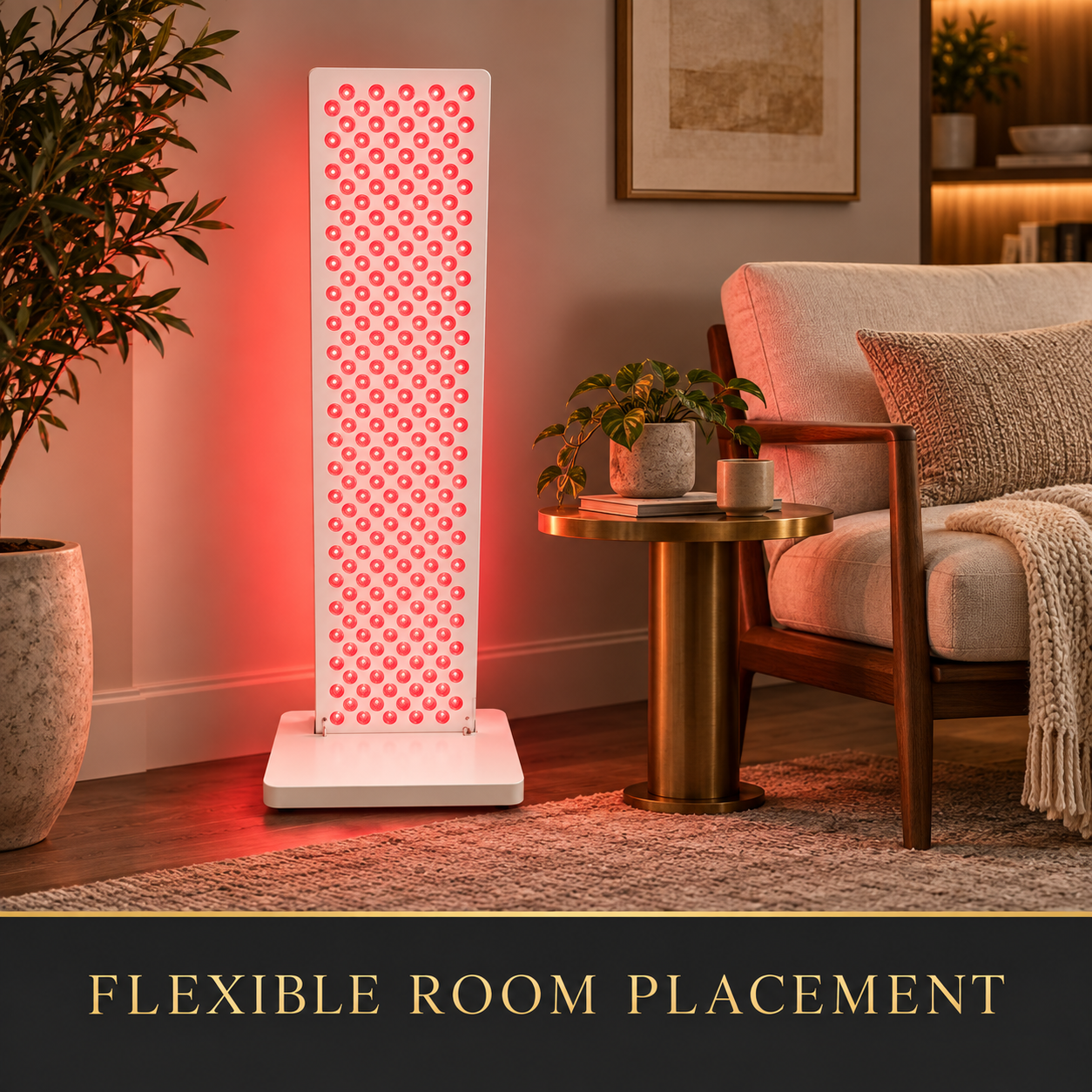
Ray Summit M210 shown in a bright living space.
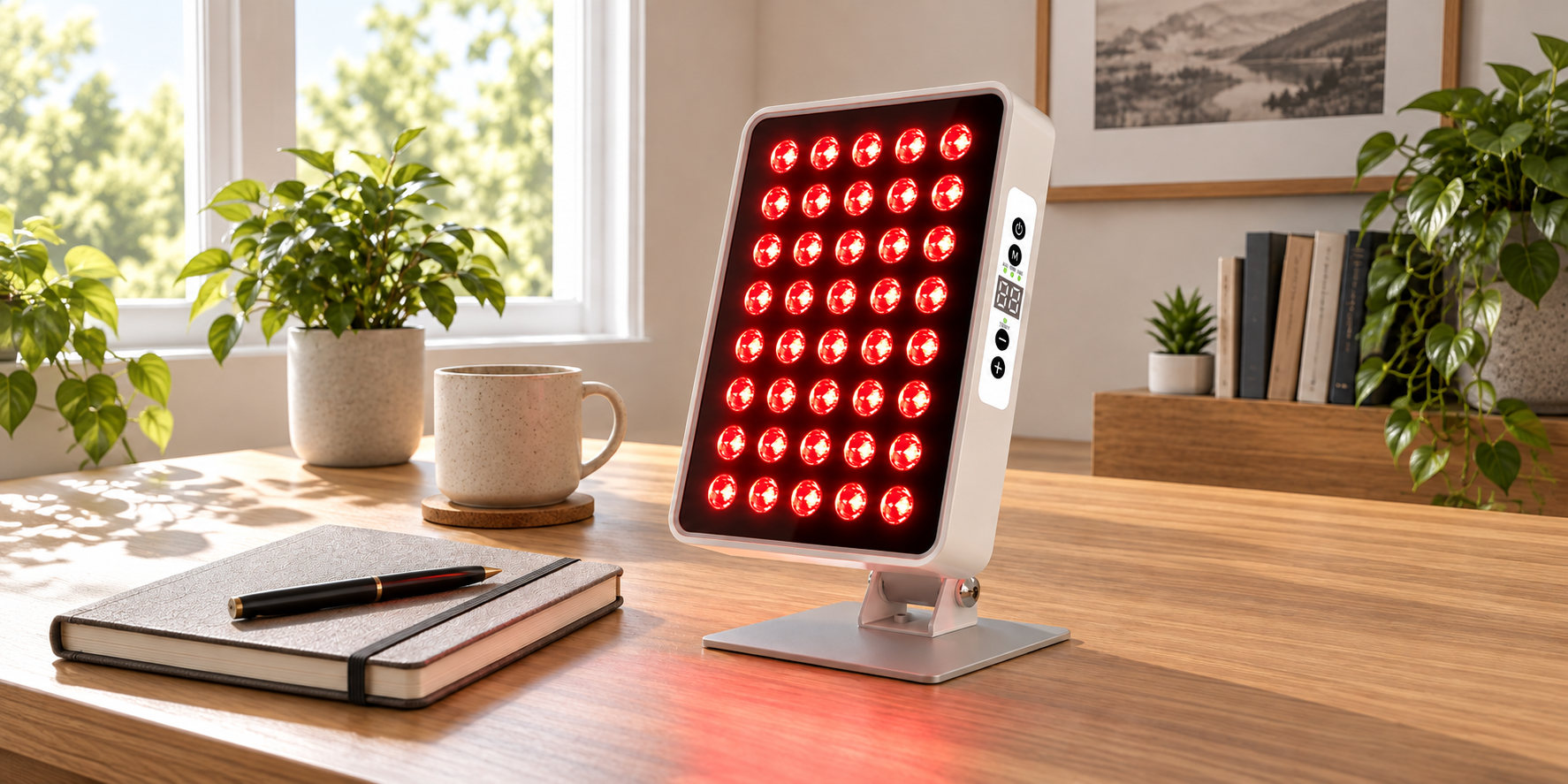
A place for your daily routine
Ray Aura A40 shown on a desk at home.
Find a setting that fits
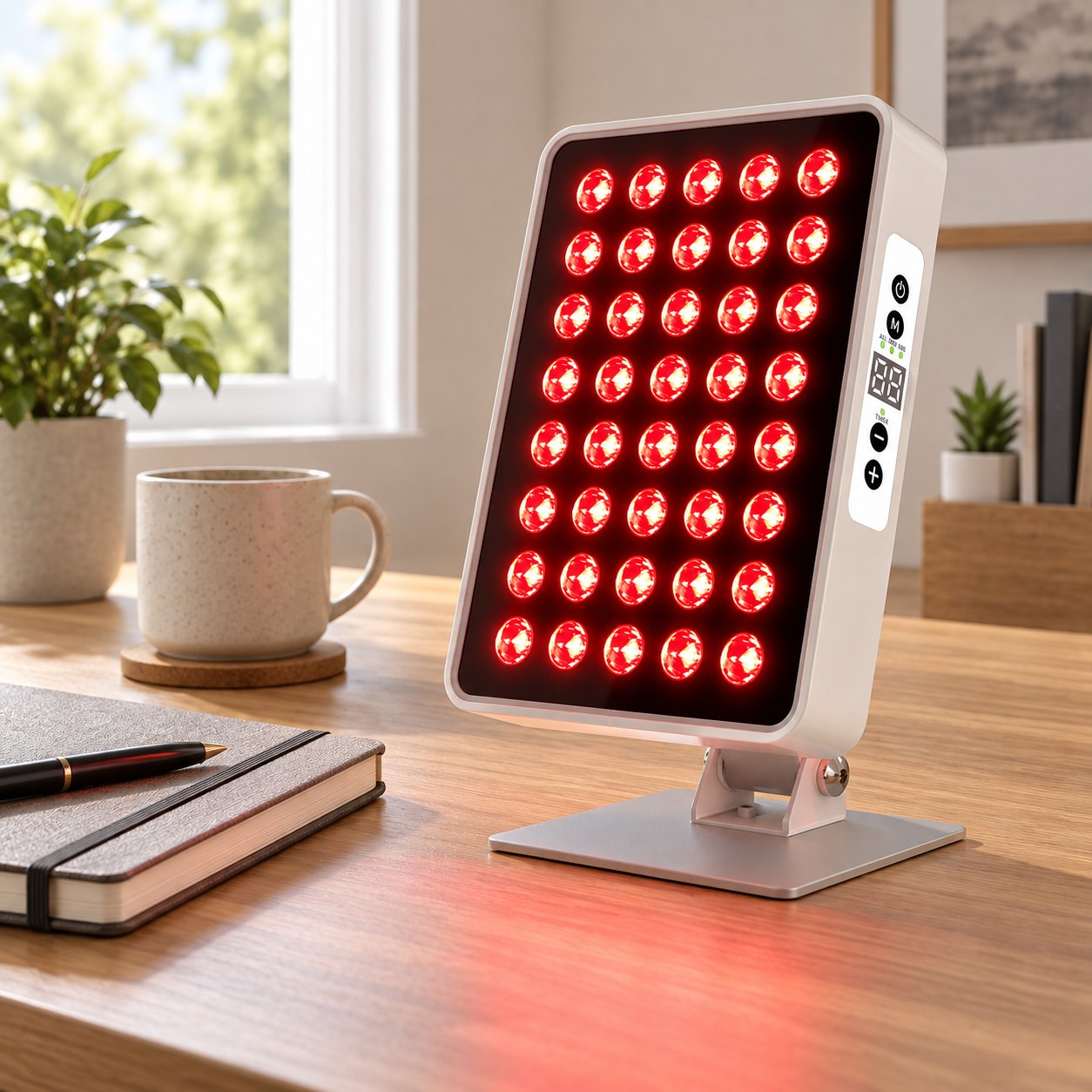
At your desk
Ray Aura A40 in a home office setting.
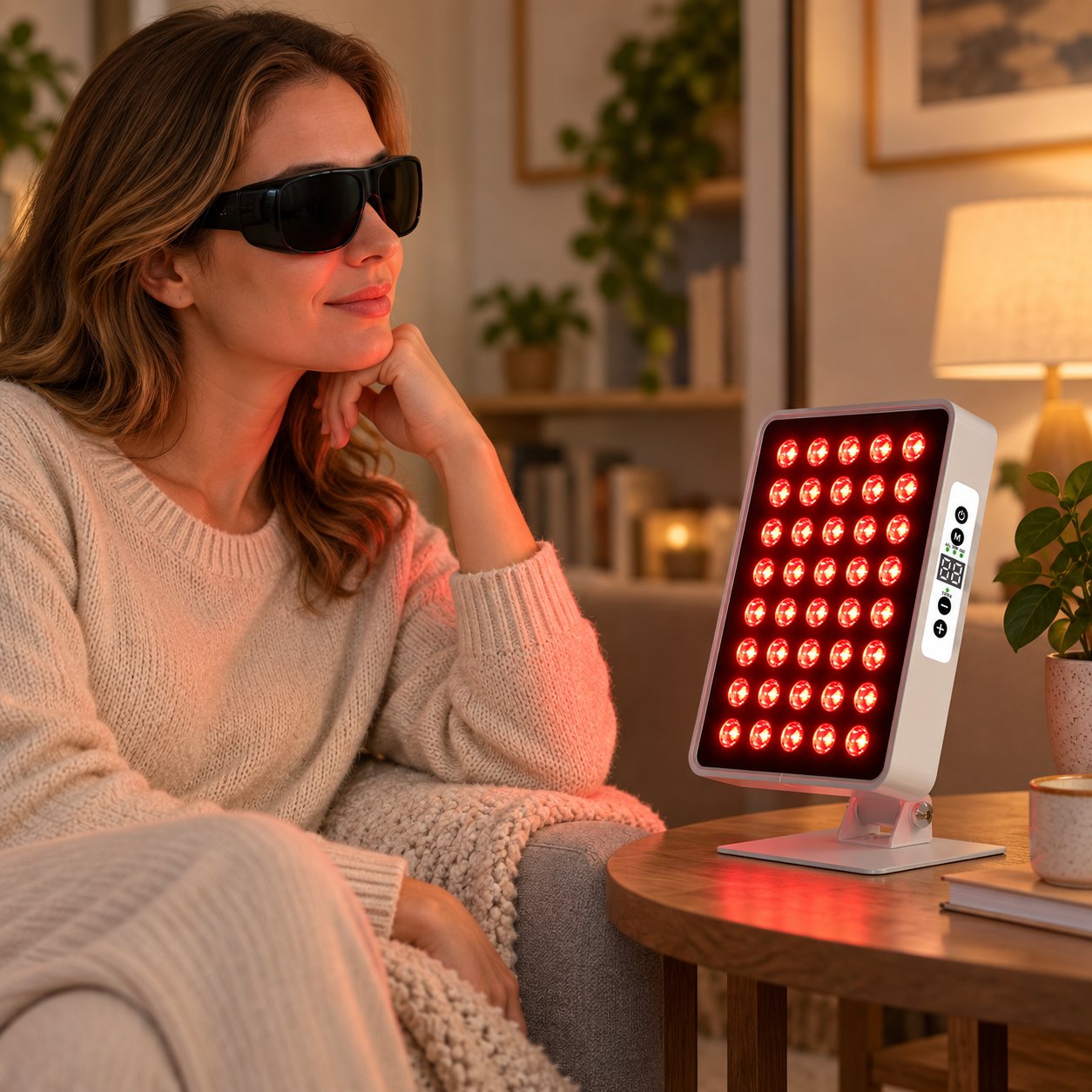
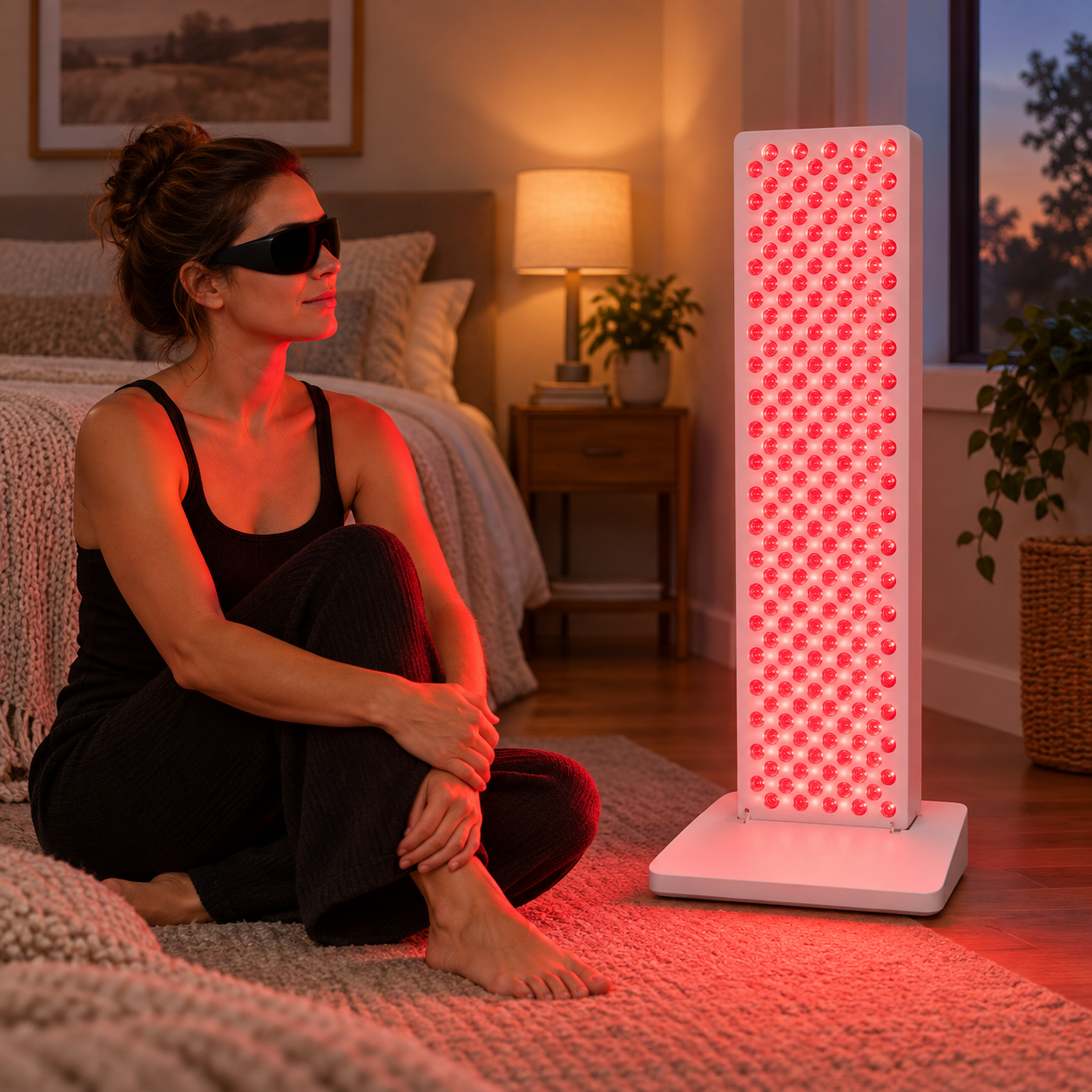
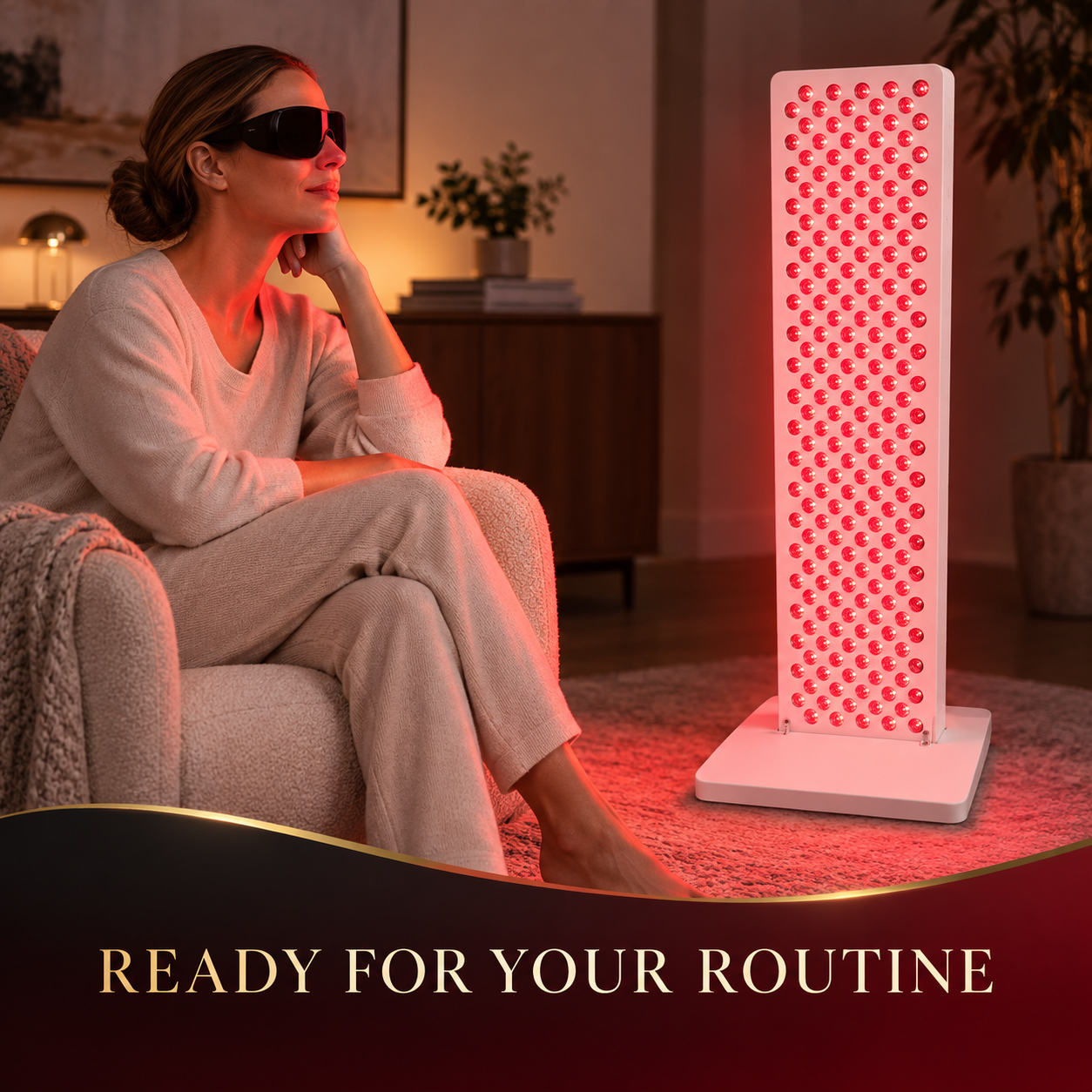
A quieter moment
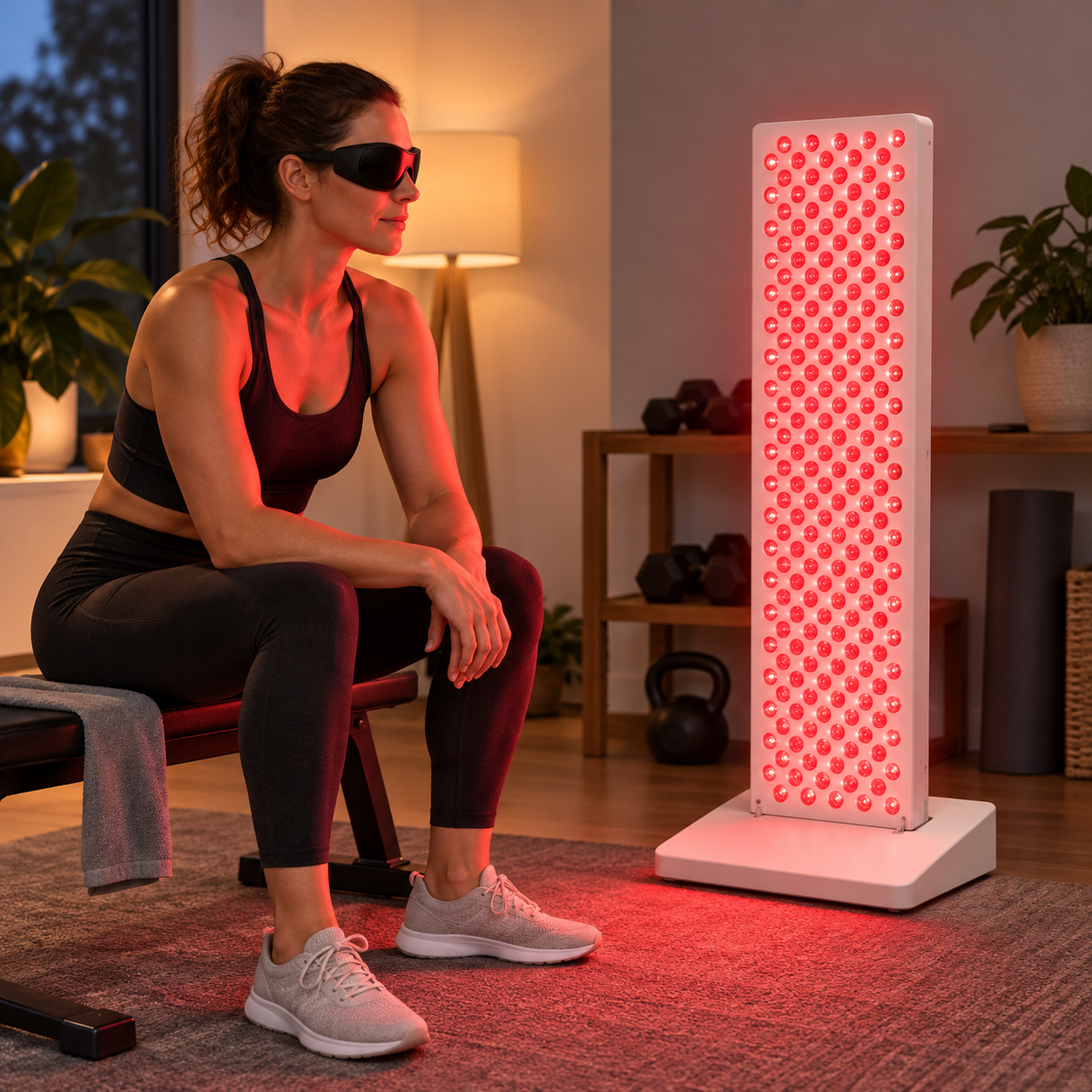
Ray Aura A40 beside a seat at home.
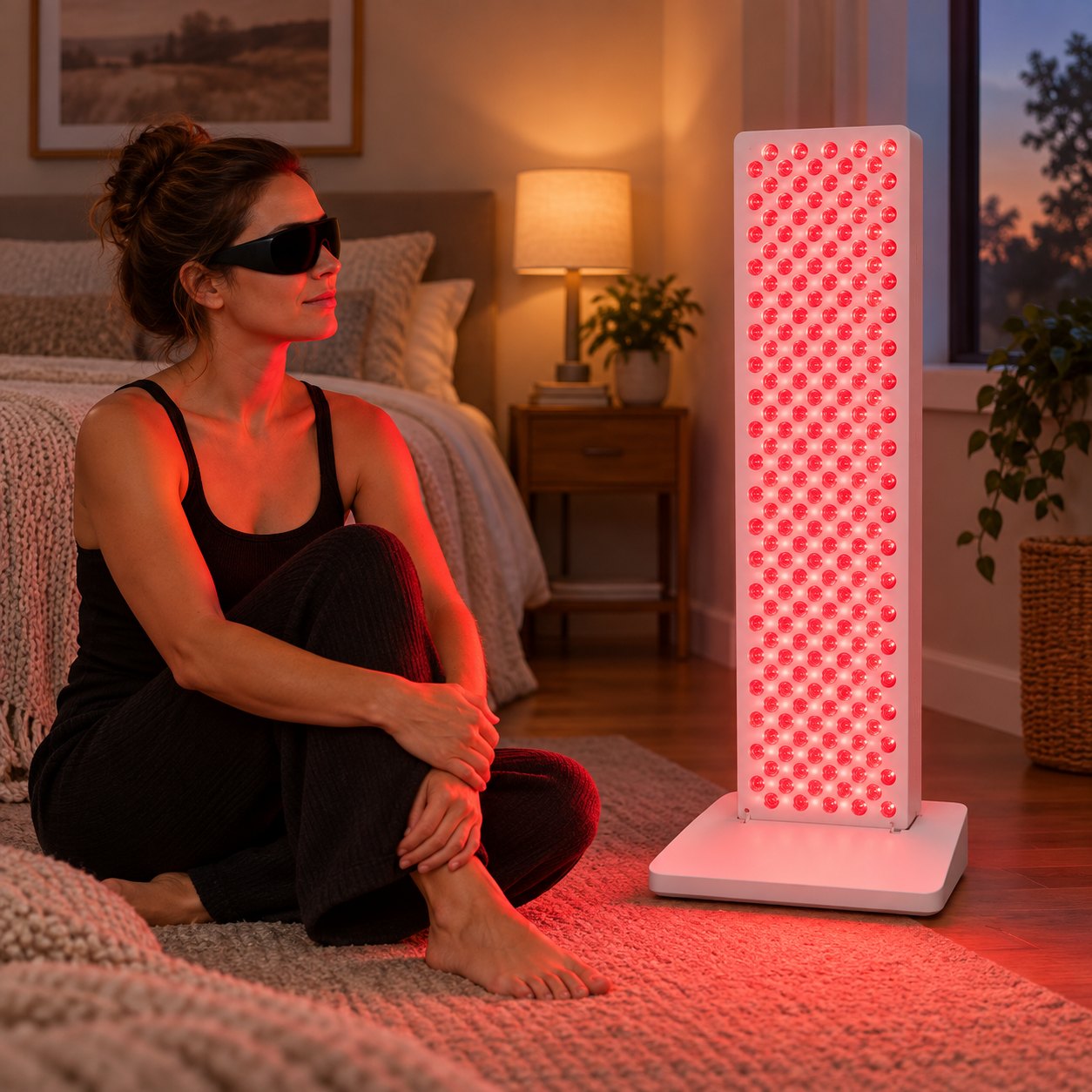
Room for more
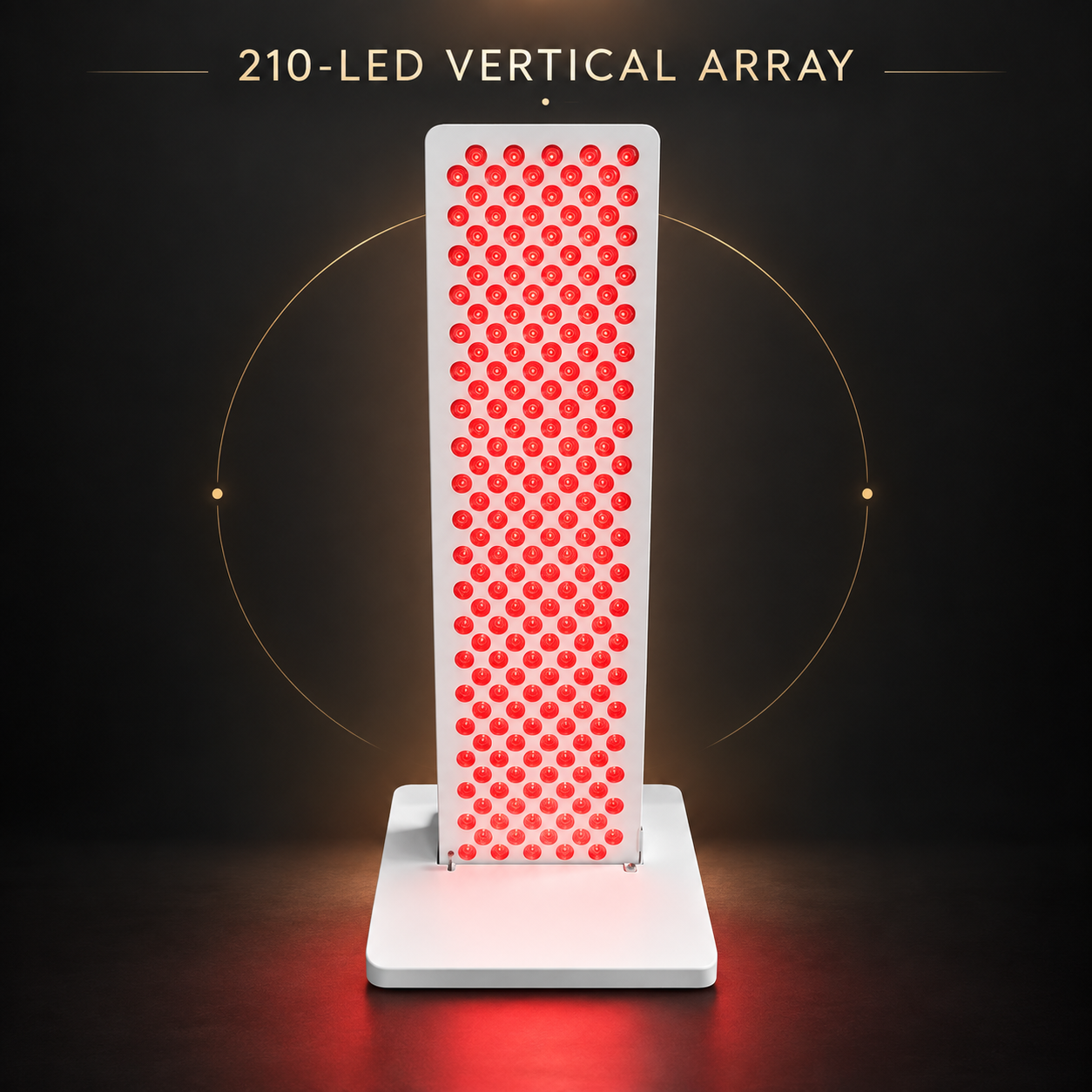
Ray Summit M210 in a larger home setup.
Questions before you choose?
Start with the basics, then explore each model for its own details.
How do I choose a panel size?
Consider where you plan to place it and compare the dimensions listed on each product page. You can also see the models side by side on our Compare Models page.
Are controls the same on every model?
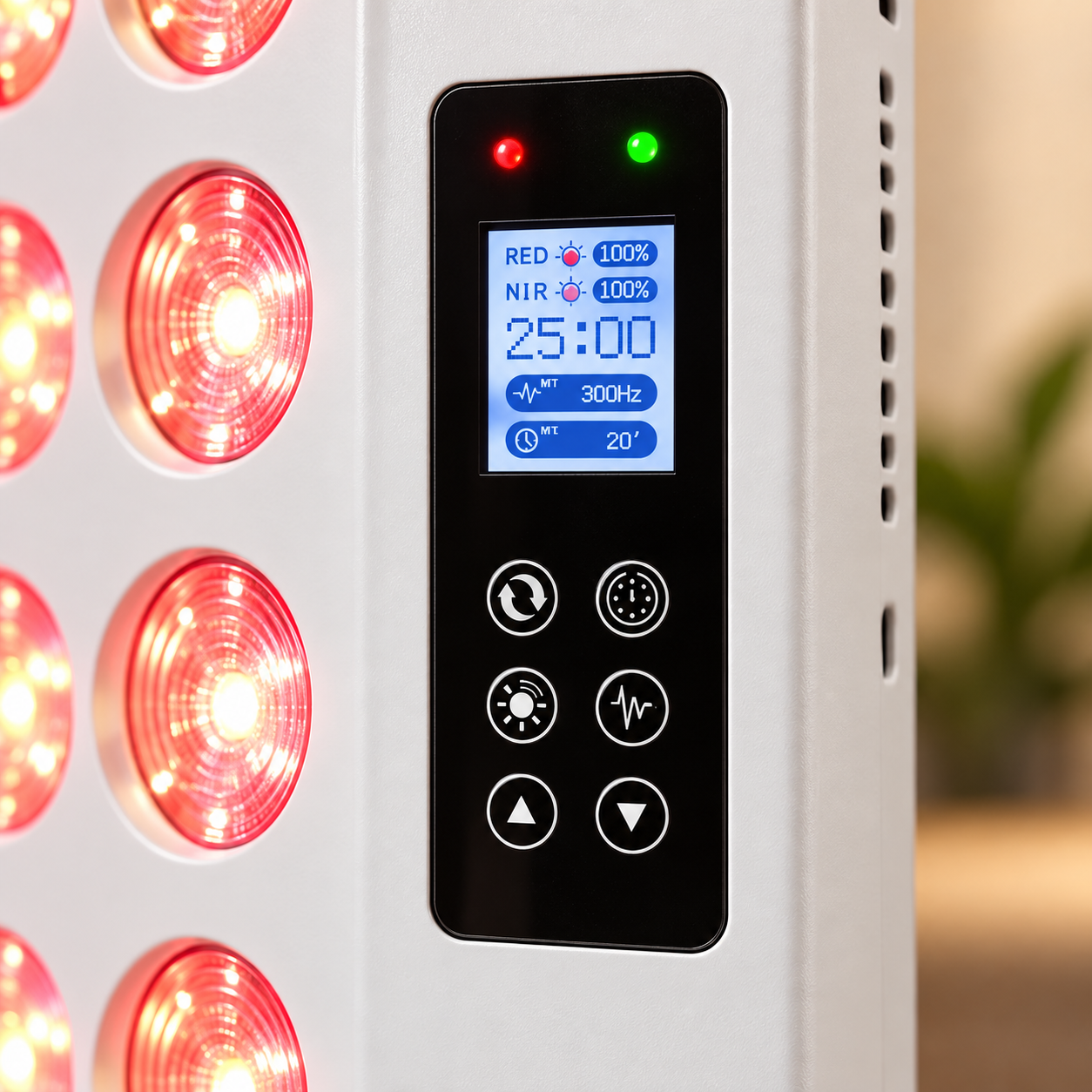
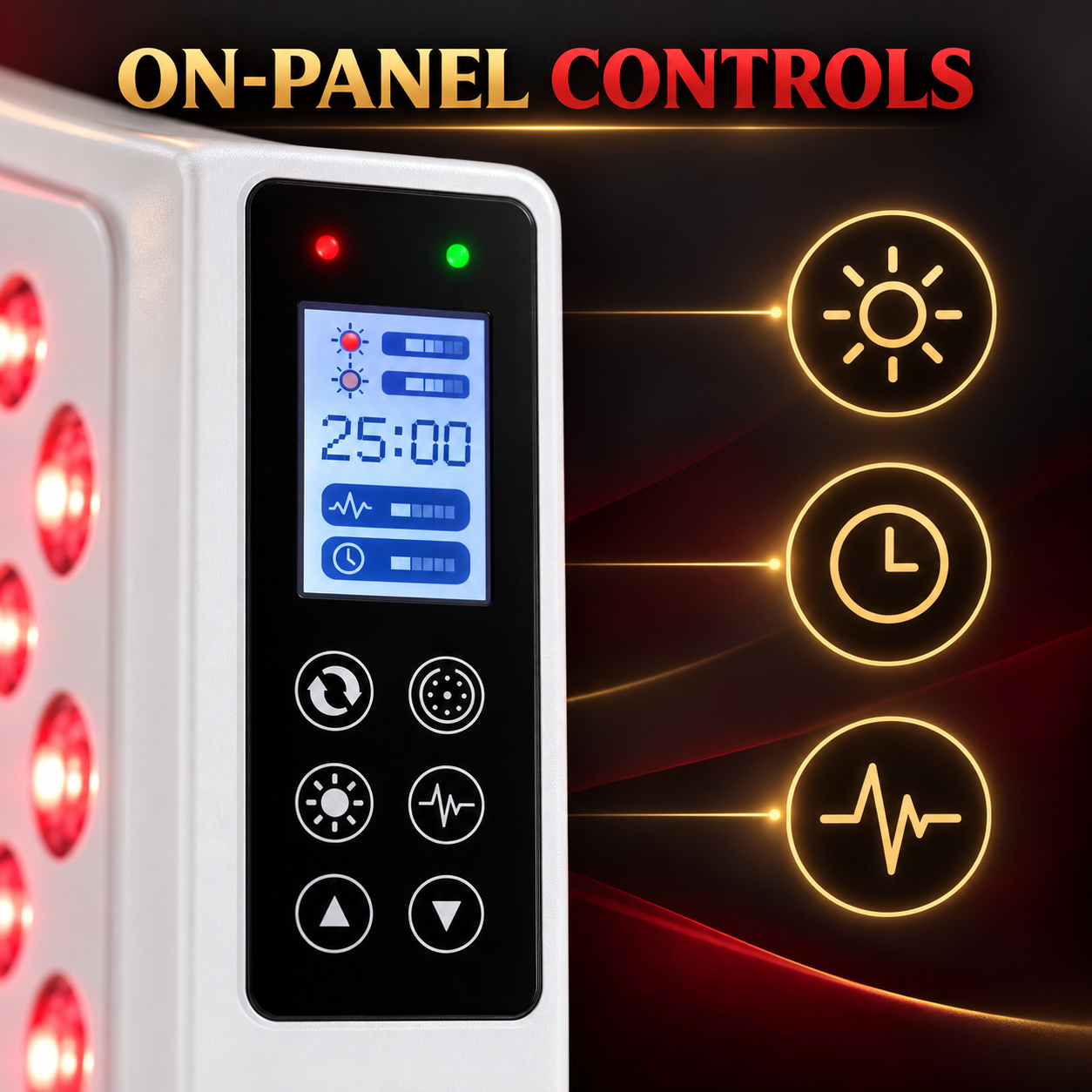
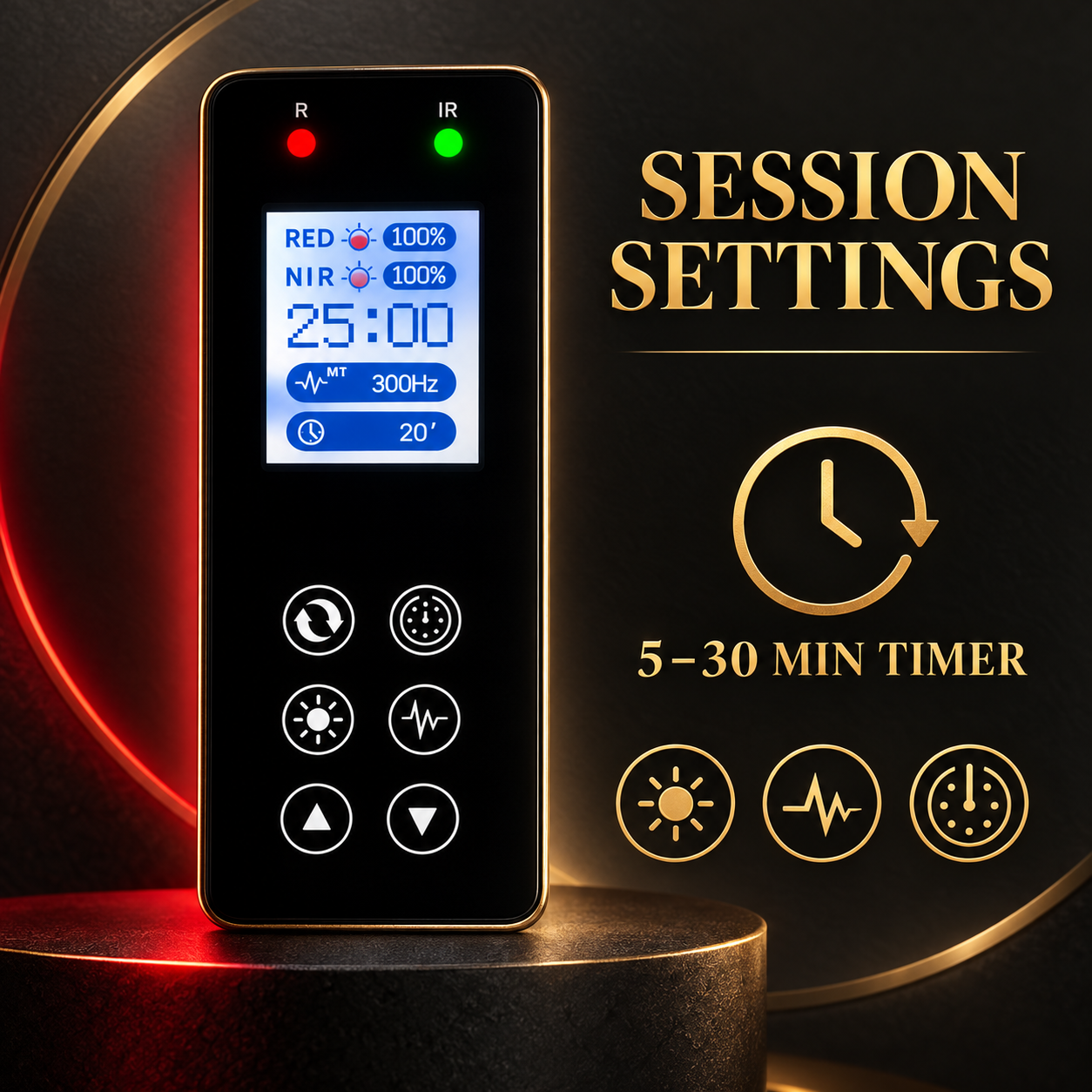
Controls vary by model. Check the product description and images for the panel you are considering.
Where can I find the included accessories?
Look at the individual product listing for the accessories included with that model.
Where can I ask another question?
Visit our Contact page and send us your question.
Find the right fit
Compare models, explore helpful guides, or ask us a question.
Compare Models
See the available panels side by side to find the format that fits your space.
View comparison →Explore Learn
Find guides on placement, controls, and getting started with your panel.
Read the guides →Ask a question
Need help with a model or an order? Send a message to our team.
Contact us →